Concepts
Agents, the team and conversations
The team
Every JARVIS Ultra team has one Orchestrator, the agent you talk to most. It plans missions, answers the Whole team in chat, and hands parts of the work to specialists. A fresh install adds five specialists: Researcher, Content Writer, Developer, Data Analyst and Personal Assistant. From there the roster is yours: hire agents for other roles, retire ones you do not need and bring them back later. The team is whatever size you make it.
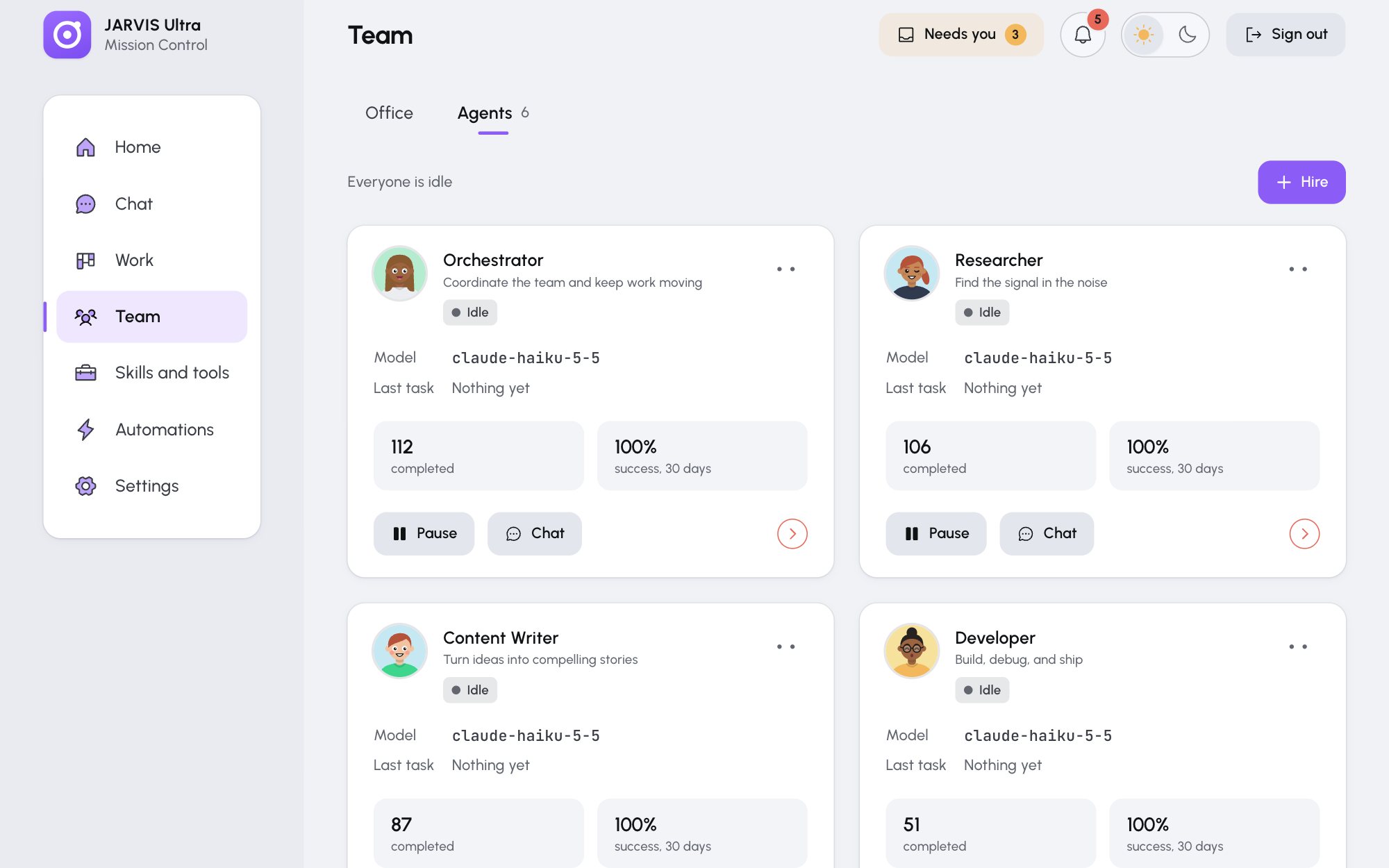
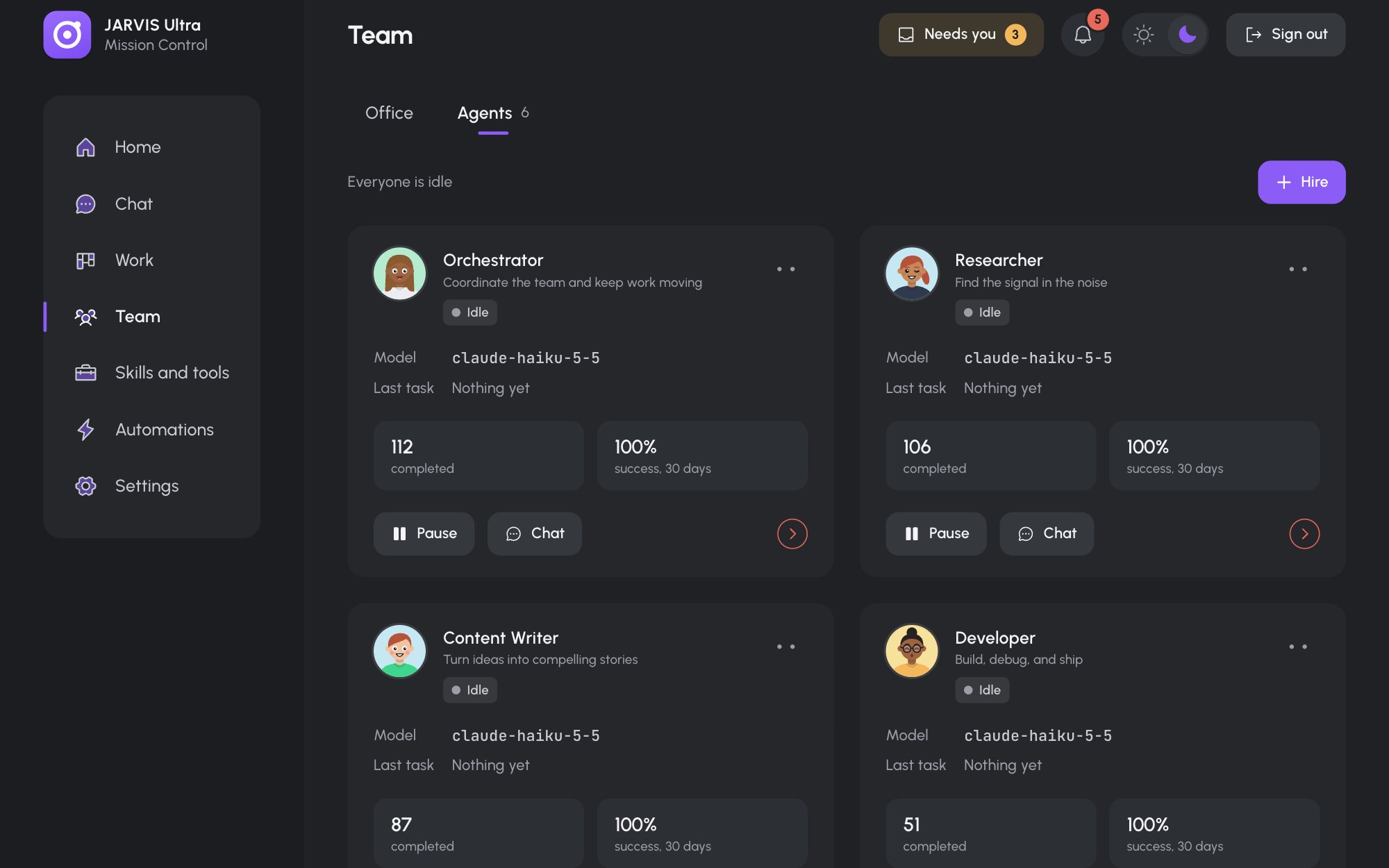
Each agent knows who its teammates are. A team list in its identity file names every active agent and its role, and the dashboard rewrites that list whenever the team changes.
What an agent is
Each agent is a profile of Hermes, the agent program that runs on your computer. A profile is a folder holding everything that makes the agent itself:
| Part | Where | What it does |
|---|---|---|
| Identity | SOUL.md |
Who it is, how it works, what it leaves to others |
| Memory | memories/MEMORY.md, memories/USER.md |
What it has learned, and what it knows about you |
| Settings | config.yaml |
Its model, tools, servers and switches |
| Keys | .env, auth.json |
Its access to your model providers |
| Skills | skills/ |
The instructions it can follow (Skills) |
The Orchestrator's profile is Hermes' home folder itself (~/.hermes); every other agent's is under profiles/<name>/. See Where things live.
Status
An agent is Idle, Working (on a turn: a chat reply, a mission step, a scheduled run, a rule) or Paused. A paused agent takes no work of any kind until you resume it.
An agent works on one thing at a time. A message, mission step or job that reaches a busy agent waits: chat says the agent is answering elsewhere, a mission step waits up to 10 minutes, and so does a scheduled run.
Every chat reply ends with a short line saying what the agent did. The dashboard takes that line off the reply and shows it as the agent's Last task and in the activity feed.
Turns
A turn is one run of an agent: it reads what it is given, may use its tools, and answers. Every turn spends tokens from your model provider (unless the model is local), and every turn is counted in Settings > Usage. Chat replies, mission plans and steps, scheduled runs, rule runs, approved drafts being carried out and your brief are all turns.
Conversations and memory
Each conversation in Chat is its own Hermes session. Reopening an old conversation continues that session, with everything said in it.
A new conversation starts with no earlier lines. What carries over between conversations is the agent's memory: the things it chose to save in MEMORY.md, and your brief in USER.md. To make an agent remember something for good, tell it to, for example Remember that we close on Mondays.
The dashboard starts a fresh session on purpose when something about the agent changes: its model, its tools, a new version of one of its skills, or an edit to its identity file. The fresh session gets the conversation's last 12 lines first, so the thread carries on.
Work outside chat never mixes into a conversation. Missions, scheduled jobs, rules and approved drafts each run in a session of their own, so a Monday news run does not appear in your chat with the Researcher. When an approved draft is carried out, the outcome is added to the conversation as a note, and the agent sees it with your next message.
Documents
Agents keep long work as Markdown files in their own folder under docs/, for example docs/researcher/2026-11-13_coffee-trade-news.md. These show in Work > Docs as Agent document. Mission results are filed by the Orchestrator. Your own documents go in docs/you/.