Reference
Settings
Every tab of Settings, with what each control does. Most controls save as you change them; cards with a Save button say so.
| Tab | Link |
|---|---|
| General | /settings |
| Models | /settings?tab=models |
| Integrations | /settings?tab=integrations |
| Notifications | /settings?tab=notifications |
| Voice | /settings?tab=voice |
| Remote access | /settings?tab=remote |
| Usage | /settings?tab=usage |
| Backups | /settings?tab=backups |
General
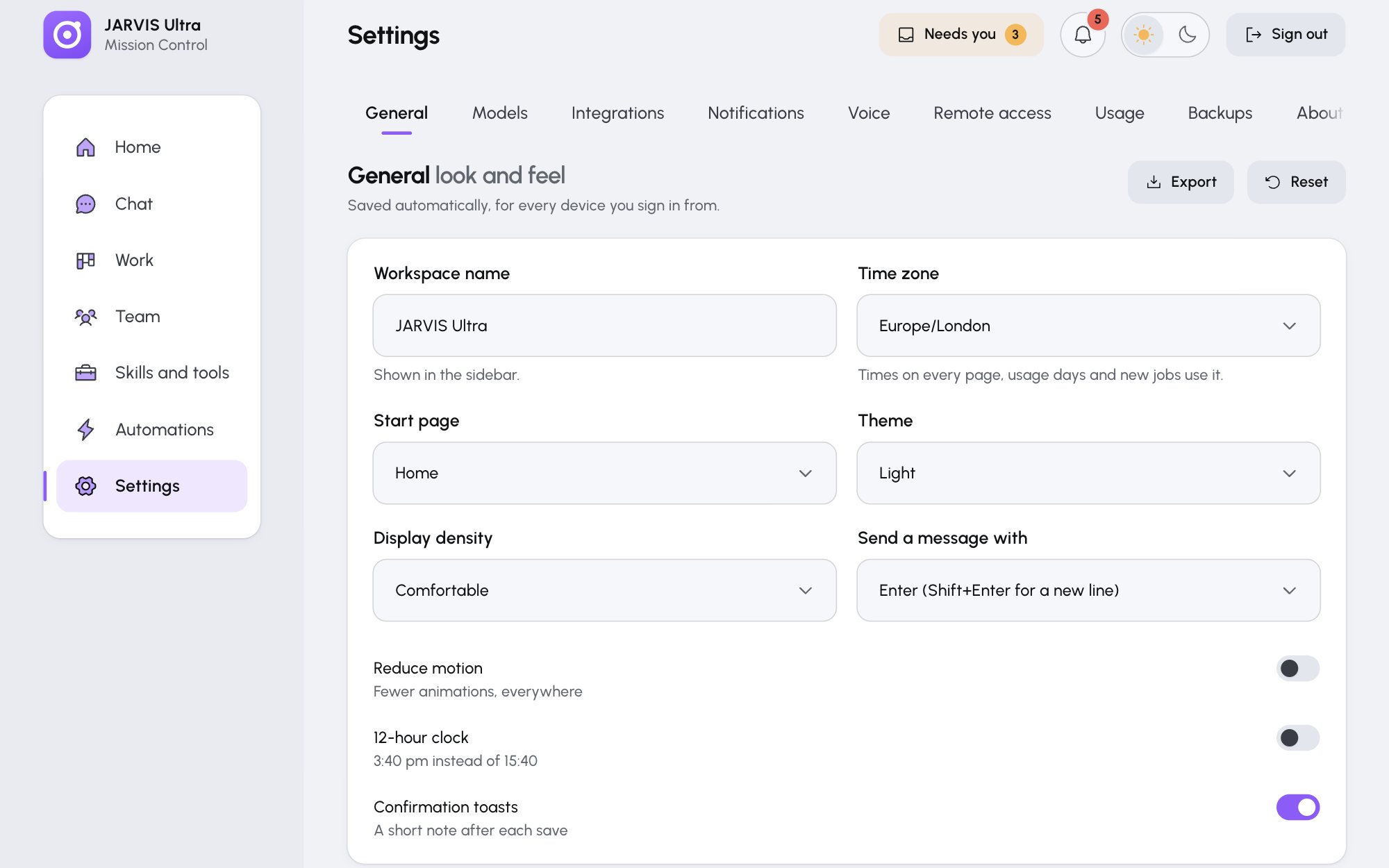
General look and feel (saves as you change it):
| Control | Values |
|---|---|
| Workspace name | Shown in the sidebar |
| Time zone | Any real zone, for example Europe/London. Used for times on every page, usage days, the Office's daylight and new jobs. |
| Start page | Home, Chat, Work, Team, Skills and tools, Automations or Settings |
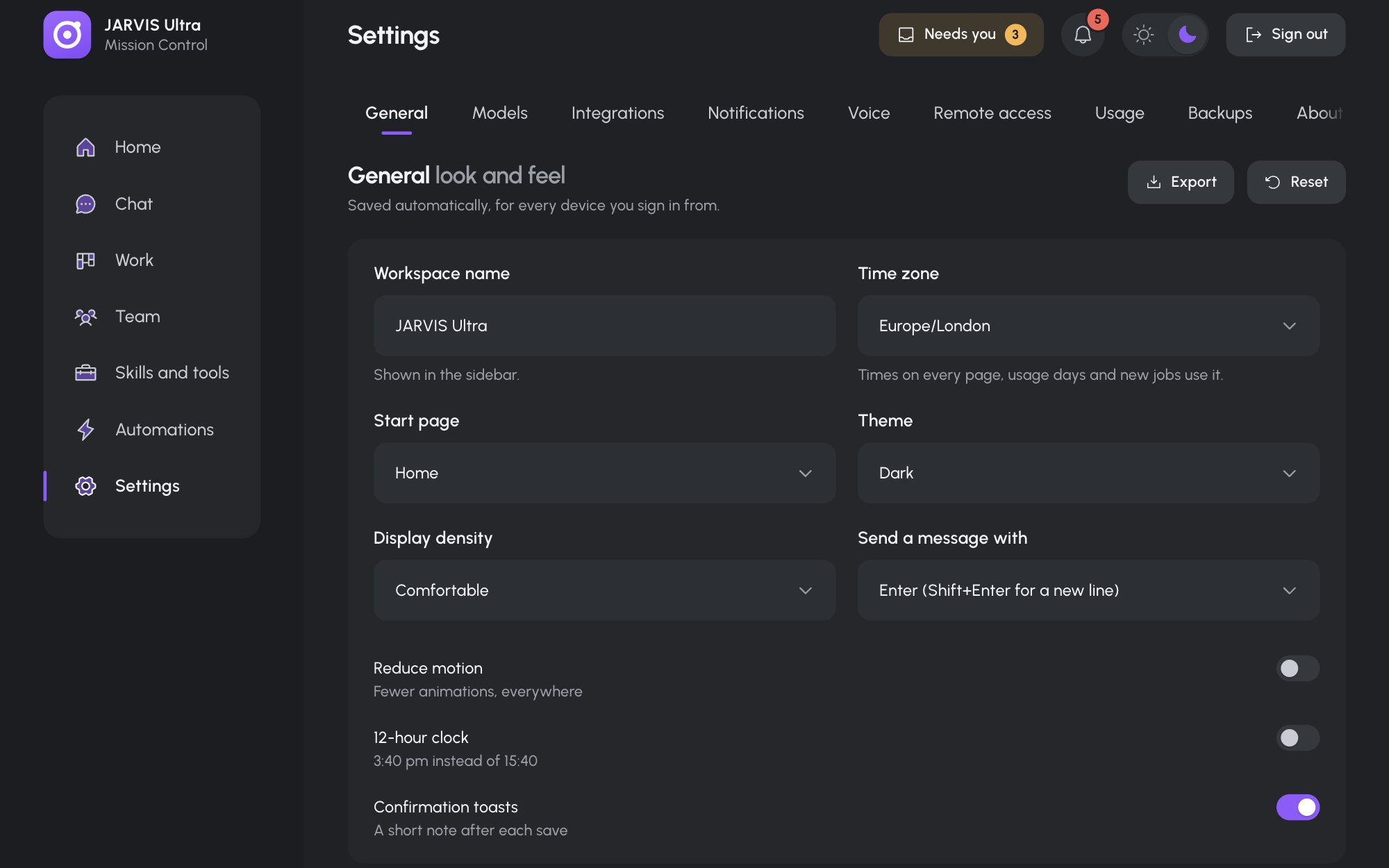
| Theme | Dark or Light |
| Display density | Comfortable or Compact |
| Send a message with | Enter (Shift+Enter for a new line), or Cmd or Ctrl + Enter |
| Reduce motion | Fewer animations everywhere |
| 12-hour clock | 3:40 pm instead of 15:40 |
| Confirmation toasts | A short note after each save |
Export downloads jarvis-preferences.json; Reset restores the defaults but keeps the time zone.
Owner: your brief, the same form as Meet your team. Save and brief the team saves it to every agent and briefs the Orchestrator in one turn. See Tell the team about you.
Models
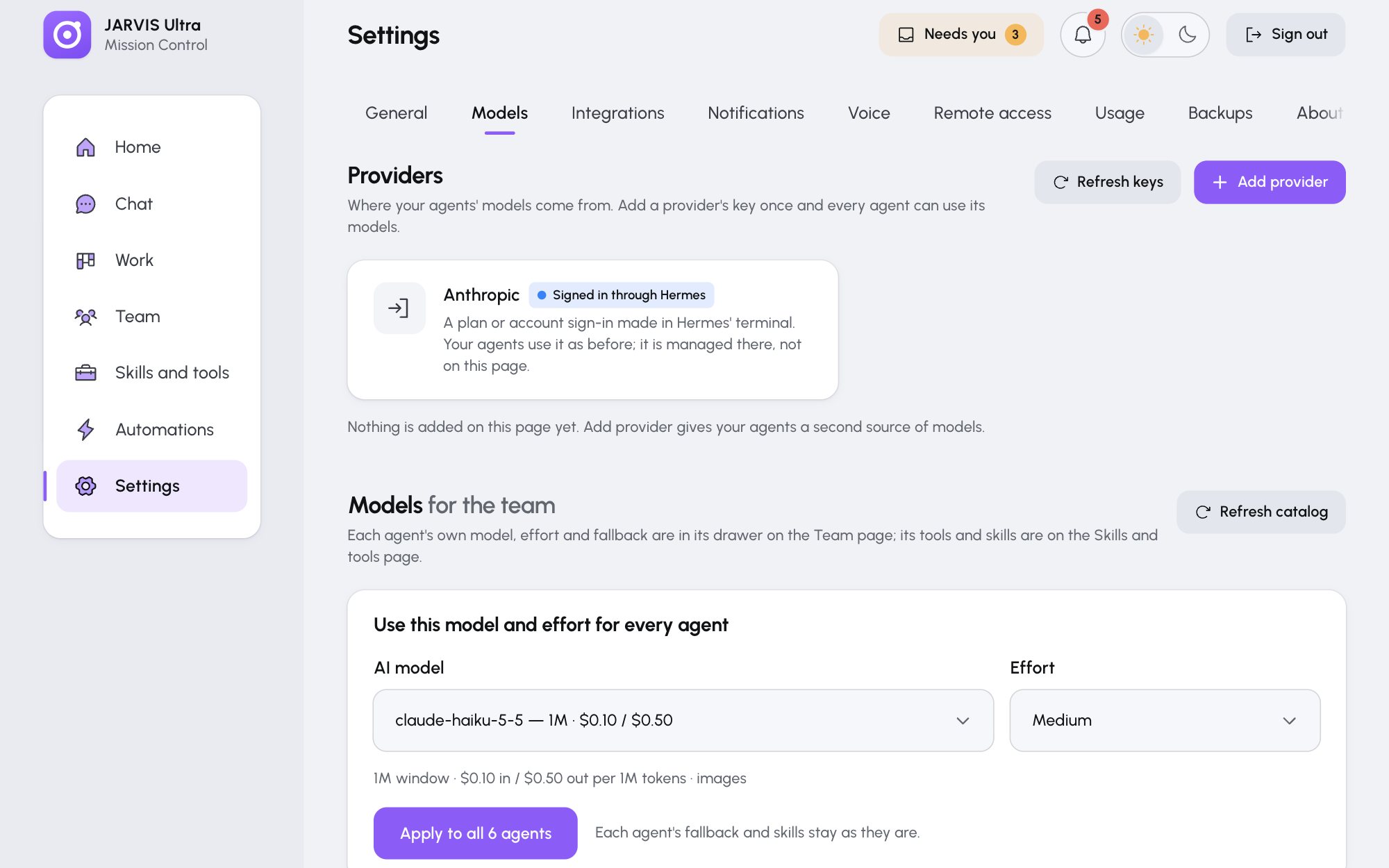
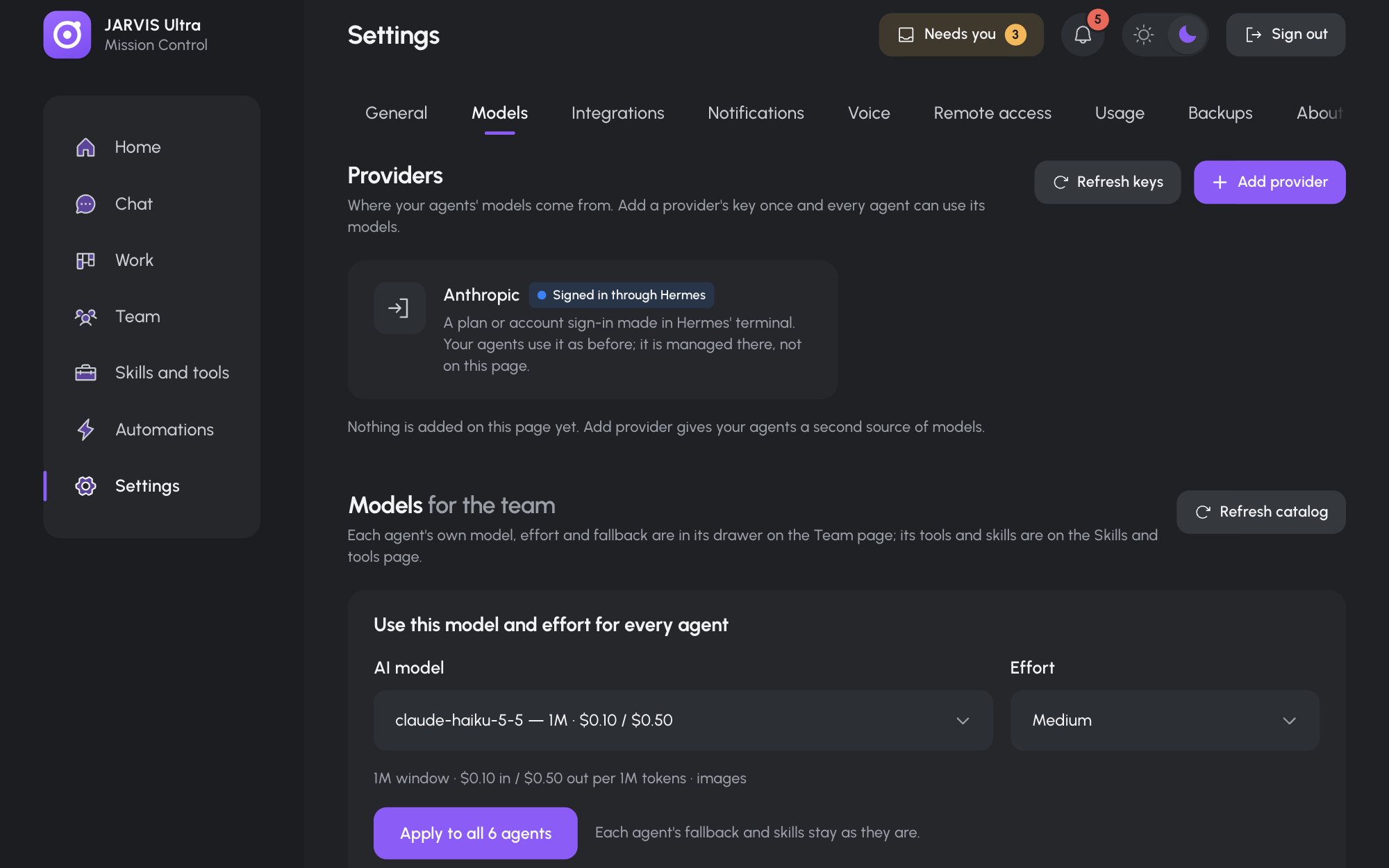
Providers: one card per provider with Test, Replace key and Remove; Add provider and Refresh keys in the header. See Add a model provider.
Models for the team: Use this model and effort for every agent (AI model, Effort, Apply to all N agents) and Refresh catalog. Each agent's own model is in its drawer on Team. See Choose each agent's model.
Integrations
Composio connector: Project API key with Save key and Sign out. Apps and MCP servers themselves are on the Skills and tools page. See Connect apps through Composio.
Notifications
Alerts (press Save):
| Control | What it does |
|---|---|
| This device | Allow alerts on this device or Stop alerts here |
| Browser, Phone | Send alerts to allowed browsers and home-screen phones |
| Telegram | Send alerts through your Telegram bot |
| Telegram chat id | Where Telegram alerts go; blank uses TELEGRAM_HOME_CHANNEL |
| Quiet hours | Start, End and Time zone; alerts wait and arrive as one summary |
| Send a test alert | Says what was sent, or why not |
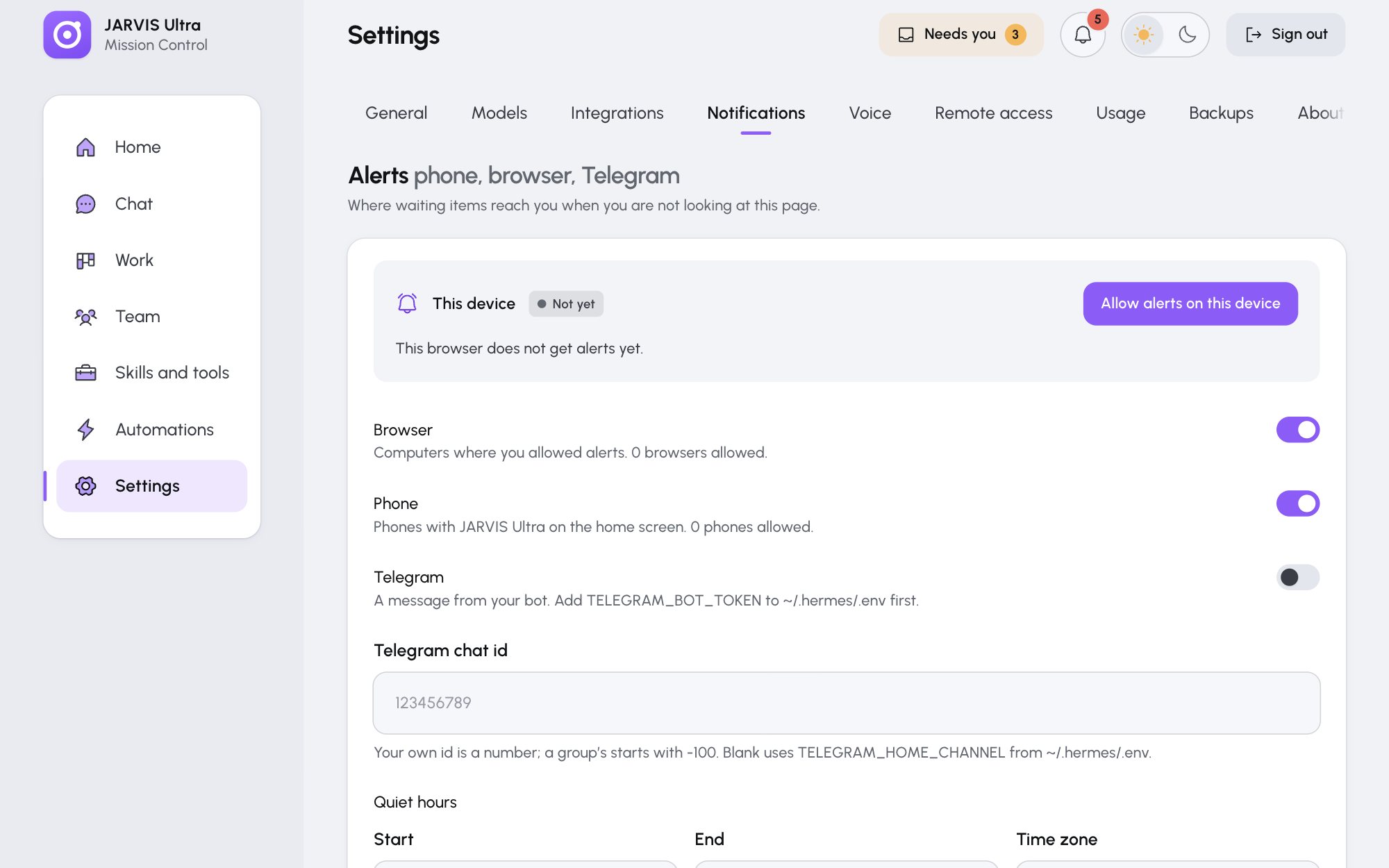
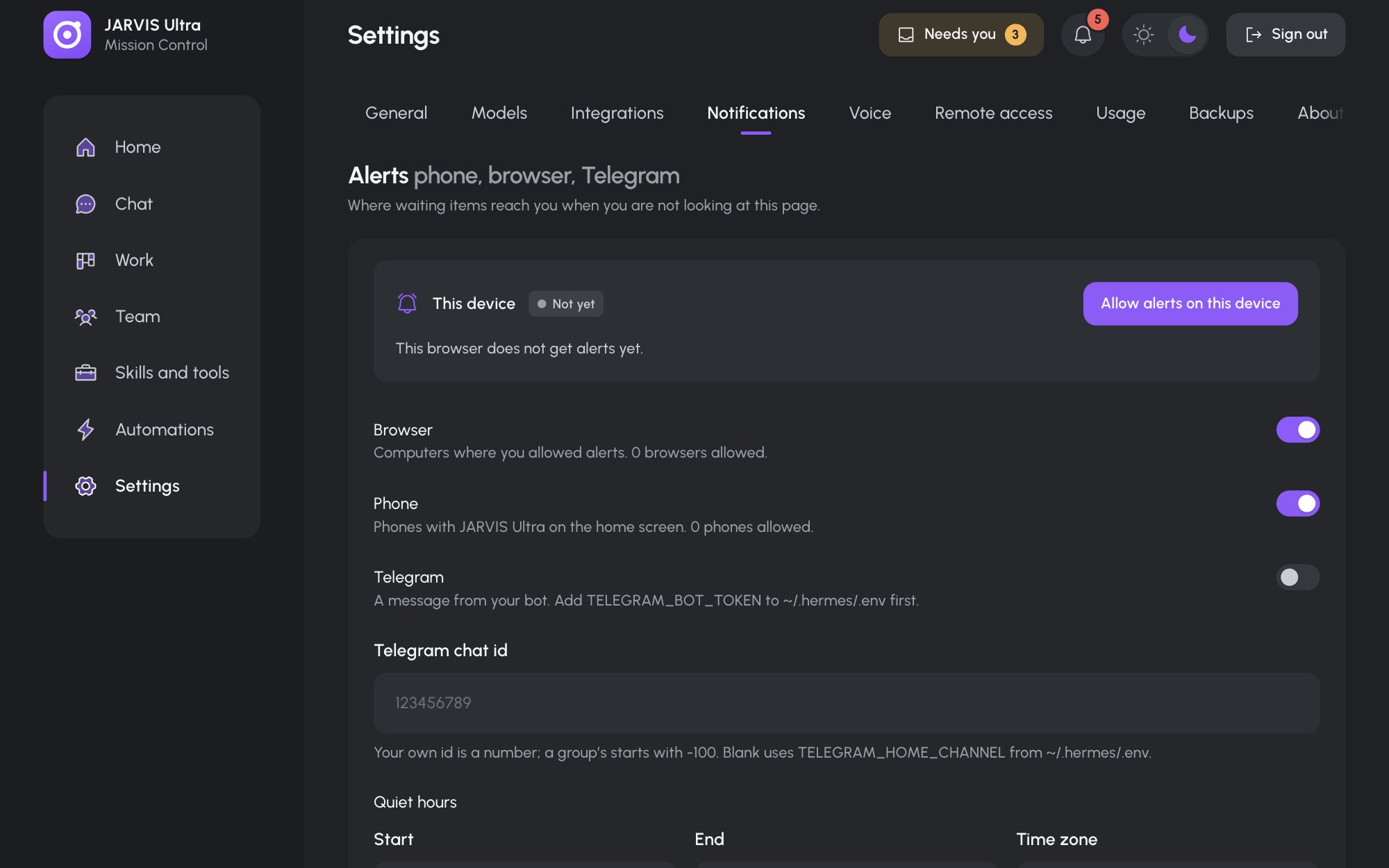
Notifications: a switch per kind of event that rings the bell and sends alerts: Approval, Mission, Automation, Schedule, Backup, Tool sign-in, Agent error, Skill. See Get alerts.
Voice
Engine (Browser, Piper or ElevenLabs), Speed (0.6 to 1.6), Greet me when talk mode starts, A voice for each agent with Hear it, the ElevenLabs key, the Local voices (Piper) status with its install command, and Listening (whether talk mode works in this browser). See Talk to your agents.
Remote access
Tailscale (connect, sign in, Disconnect) and Publish on your tailnet (Publish JARVIS Ultra, Port, the address with Copy address). Setup guide opens the remote access guide. See Remote access with Tailscale.
Usage
Pulse, then Period (Today, Last 7 days, Last 30 days, All time), Measure (Cost or Tokens), and the cards Daily (with Split by Agents or Models), By agent and By model. See Track usage and cost.
Backups
Back up now (with Name), Automatic backups (How often: Daily or Weekly; Keep: the newest 3, 7, 14 or 30), and the list of backups with Download, Restore, Delete and Upload. See Back up and restore.