How-to guides
Make and publish a skill
A skill is a set of instructions an agent can follow, written as a Markdown file (SKILL.md) and sometimes with scripts or reference files beside it. Agents see each skill's name and the start of its description, and read the rest when a task calls for it. Write one when you find yourself explaining the same process again and again. For what skills are and where they live, see Skills.
Write a skill
-
Open Skills and tools (the Skills tab) and press New skill.
-
Fill in the form. It saves a draft as you type, so you can close it and come back.
Field Example Name weekly-specials-post: lowercase letters, digits and hyphens. It cannot change after the first publish.Description Write the weekly specials post for Instagram from the kitchen's list, in the café's voice.Up to 1,024 characters. The form shows the first 60 characters, which is what an agent sees in its list, so put the point first.Group The folder the skill sits in, for example marketing. Usecustomwhen in doubt.Text The instructions, in Markdown. Preview shows them rendered. A problem, such as a name that is already taken or an empty description, shows under its field.
An example Text:
# Weekly specials post 1. Ask the owner for this week's specials if they are not in the message. 2. Write one Instagram caption of at most 80 words: the specials first, prices in pounds, one emoji at most. 3. End with "See you at Harbour Street!" and three hashtags, always including #brightoncoffee. 4. Put the caption in the Approval Inbox with your owner-approval skill. Never post it yourself. -
Optional: add files under Files. Pick Folder for new files (Into scripts/, Into references/, Into templates/, Into assets/ or Beside SKILL.md), then press Add files or drop files on the section. A skill can hold at most 100 files and 20 MB, 5 MB a file and 1 MB for text. Programs, archives and
.envfiles are refused, and so is any file that holds what looks like a key. The reason shows by the file.
Check and publish
- Press Check and review. If it is off, its tooltip says why.
- Read the review:
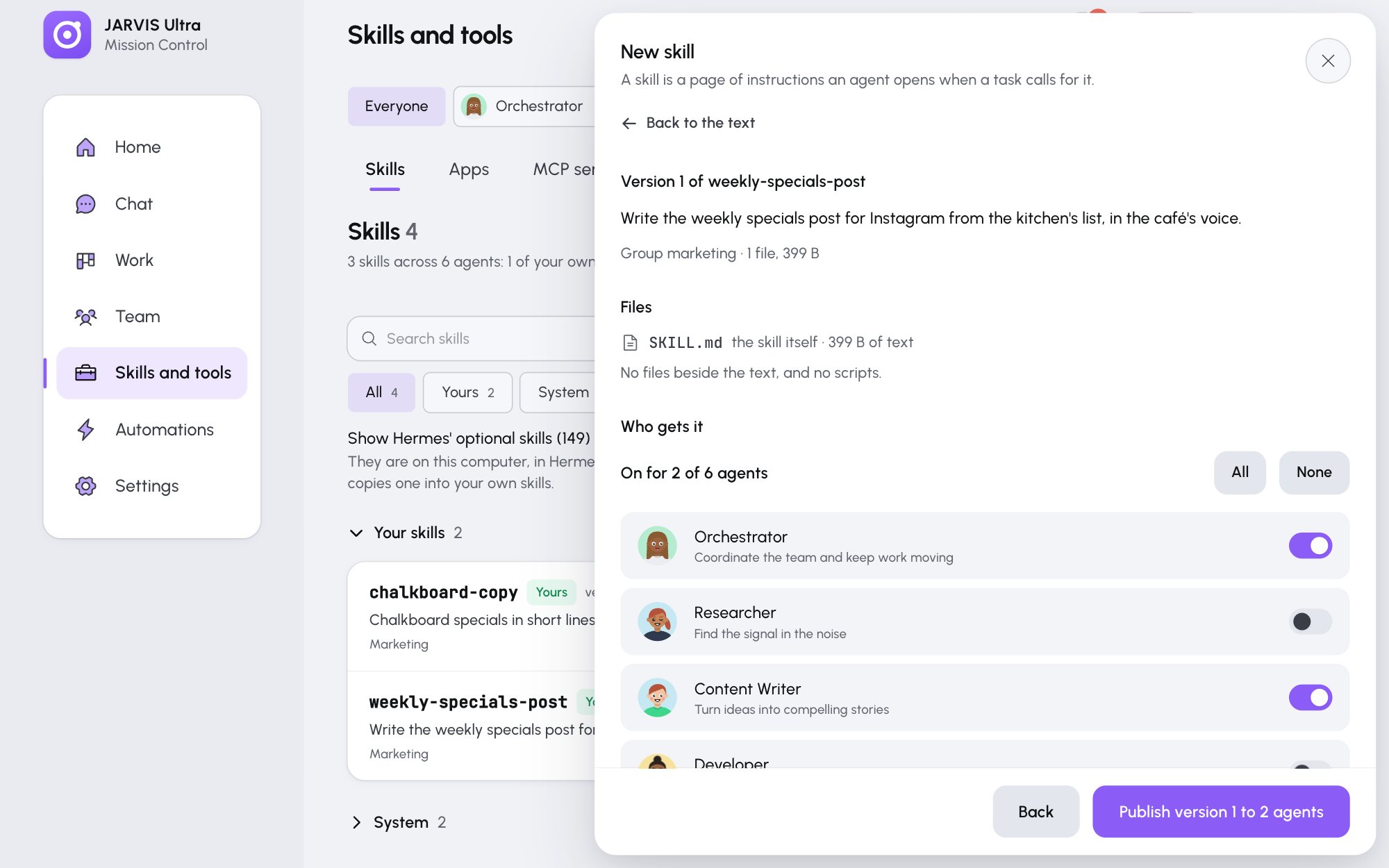
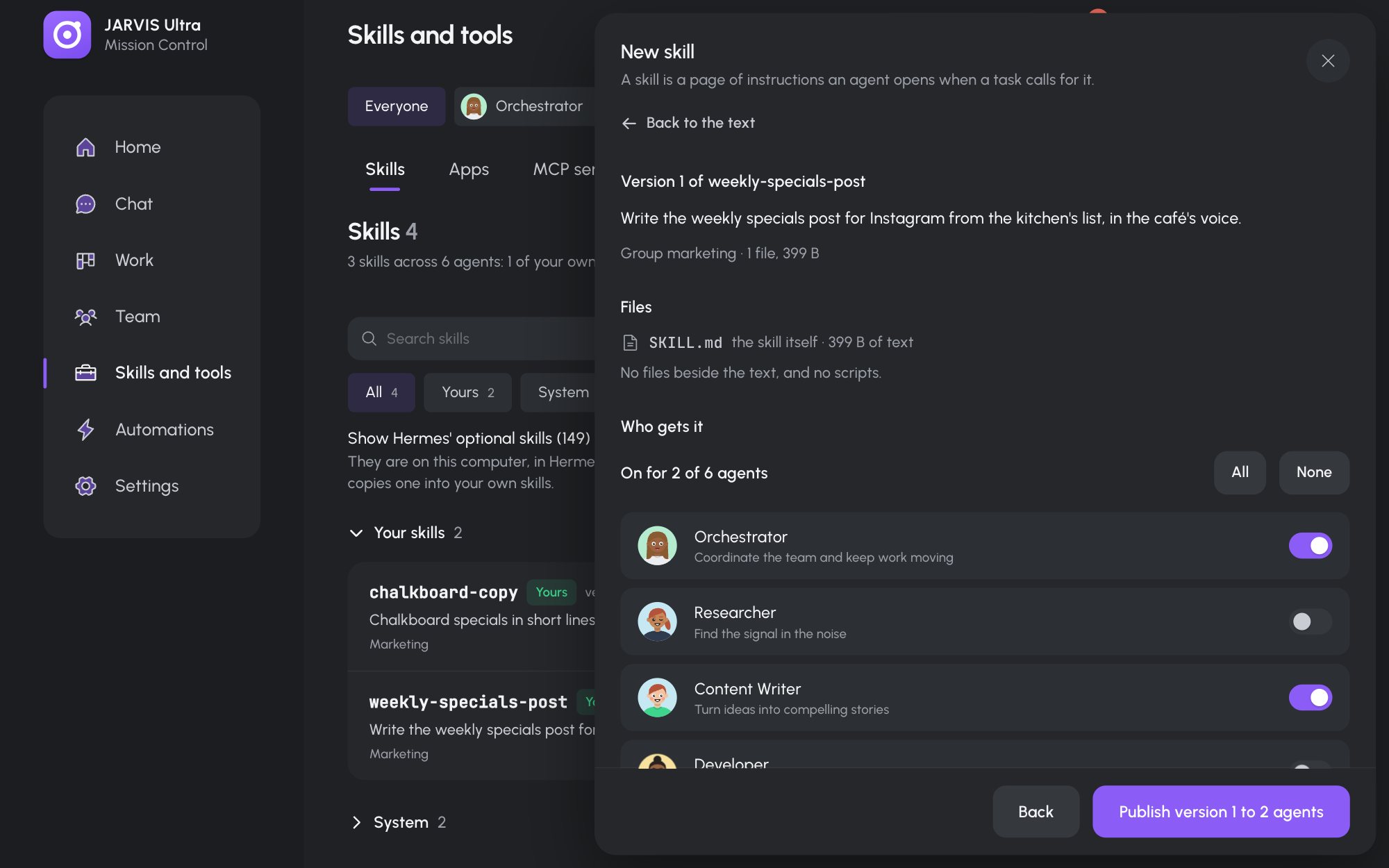
- Who gets it: a switch per agent, with All and None. A new skill goes to nobody until you switch someone on.
- What changes: the lines added or removed since the last version.
- Checks: the dashboard's own checks, a scan for keys, then Hermes' guard (Safe, Caution or Dangerous) and Hermes' linter. Anything under Fix this first or Must fix blocks publishing. A Caution finding needs I have read this and want it in the skill switched on. A Dangerous verdict cannot be published.
- Optional: say what changed in What changed (optional), for example
First version. - Press Publish version 1 to 2 agents (the numbers are yours).
The skill is written into each chosen agent's profile within seconds and locked, so the agent cannot change it. An agent with an open conversation is told about the new skill in its next message.
If Hermes cannot be asked, publishing is refused with "Hermes could not check this skill, so nothing was published." Check that Hermes is installed and try again.
Import a skill
Press Import, then Choose a folder or Choose a zip file. The folder or zip must have SKILL.md at its top. The form opens on a new draft with the files in it, and names anything left out. Check and publish as above.
Change, restore or give a skill to more agents
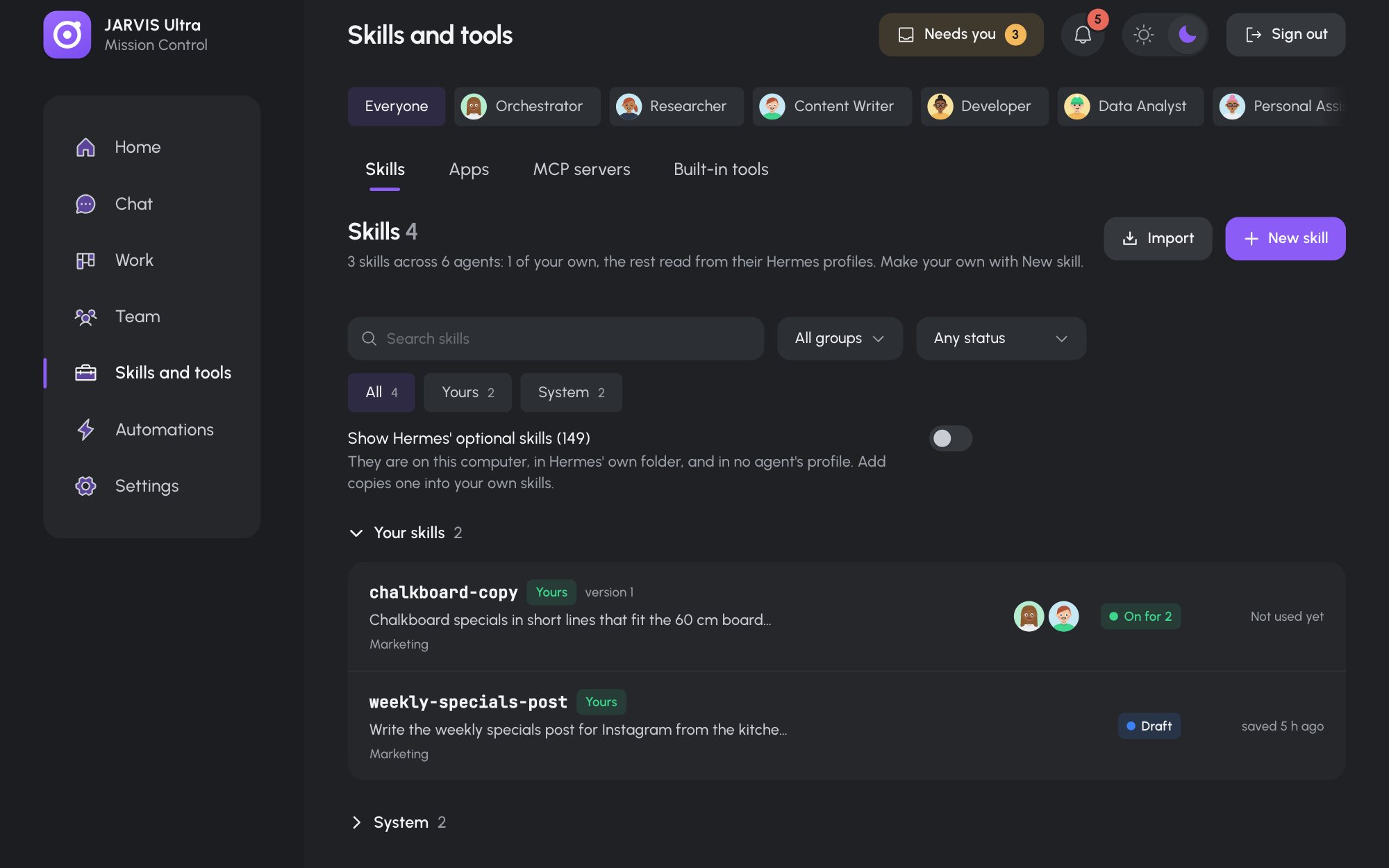
Click your skill in the list (it sits under Your skills) to open its drawer:
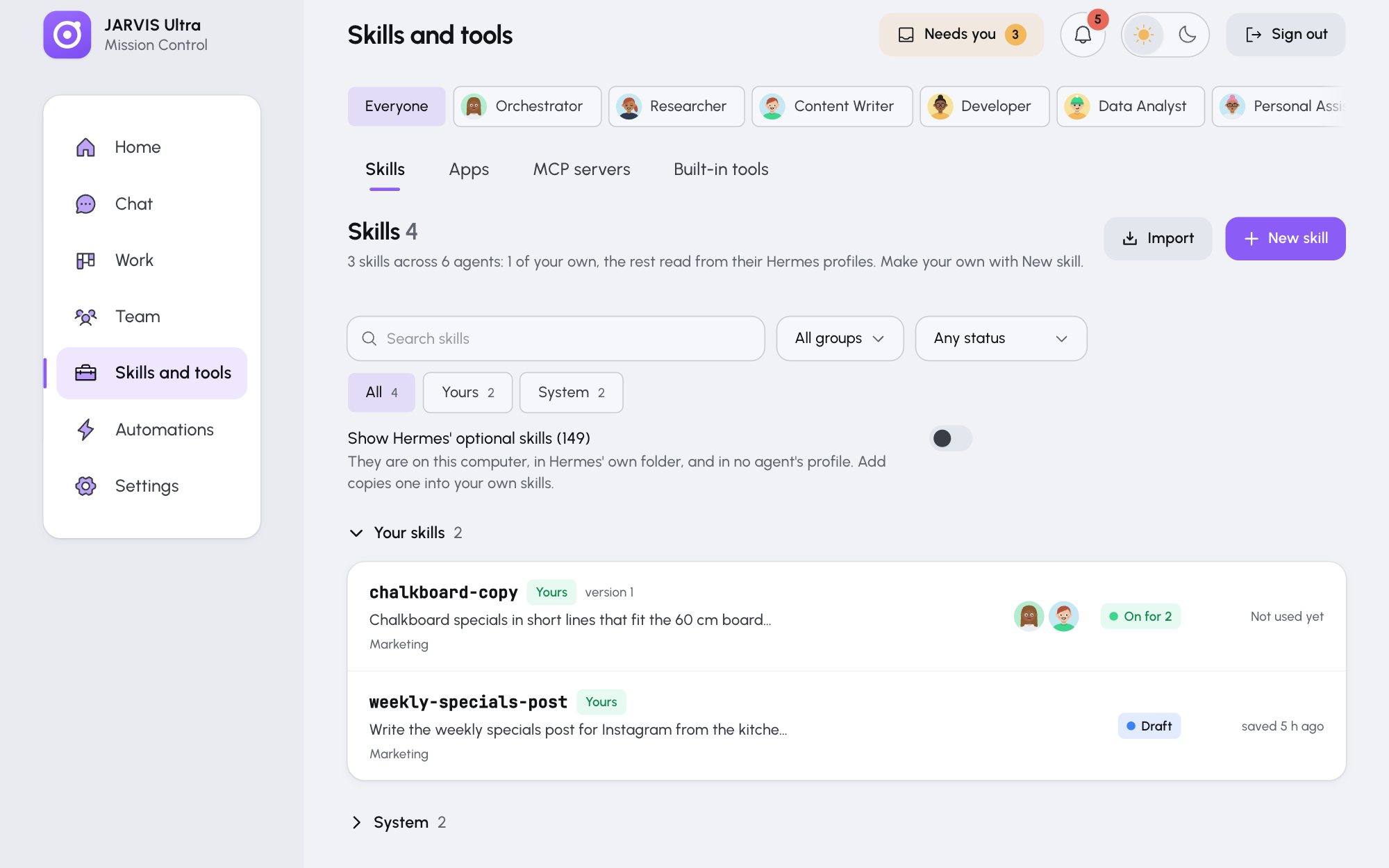
- Edit (or Continue editing) opens the form. Publishing again makes the next version.
- Agents: a switch per agent, then Save for N agents. The status by each agent shows whether its copy is In its profile, Being written or Being removed.
- Versions: the newest 10 versions. View shows one; Restore opens it as a draft, which you publish as a new version.
- Files shows the published
SKILL.mdand every file; Show source shows the raw text.
Retire or delete a skill
- Retire, then Yes, retire it, takes the skill away from every agent but keeps it and its versions. Bring back gives it back to the same agents.
- Delete asks you to type the skill's name, then Delete for good removes it and its versions.