How-to guides
Keep documents in Docs
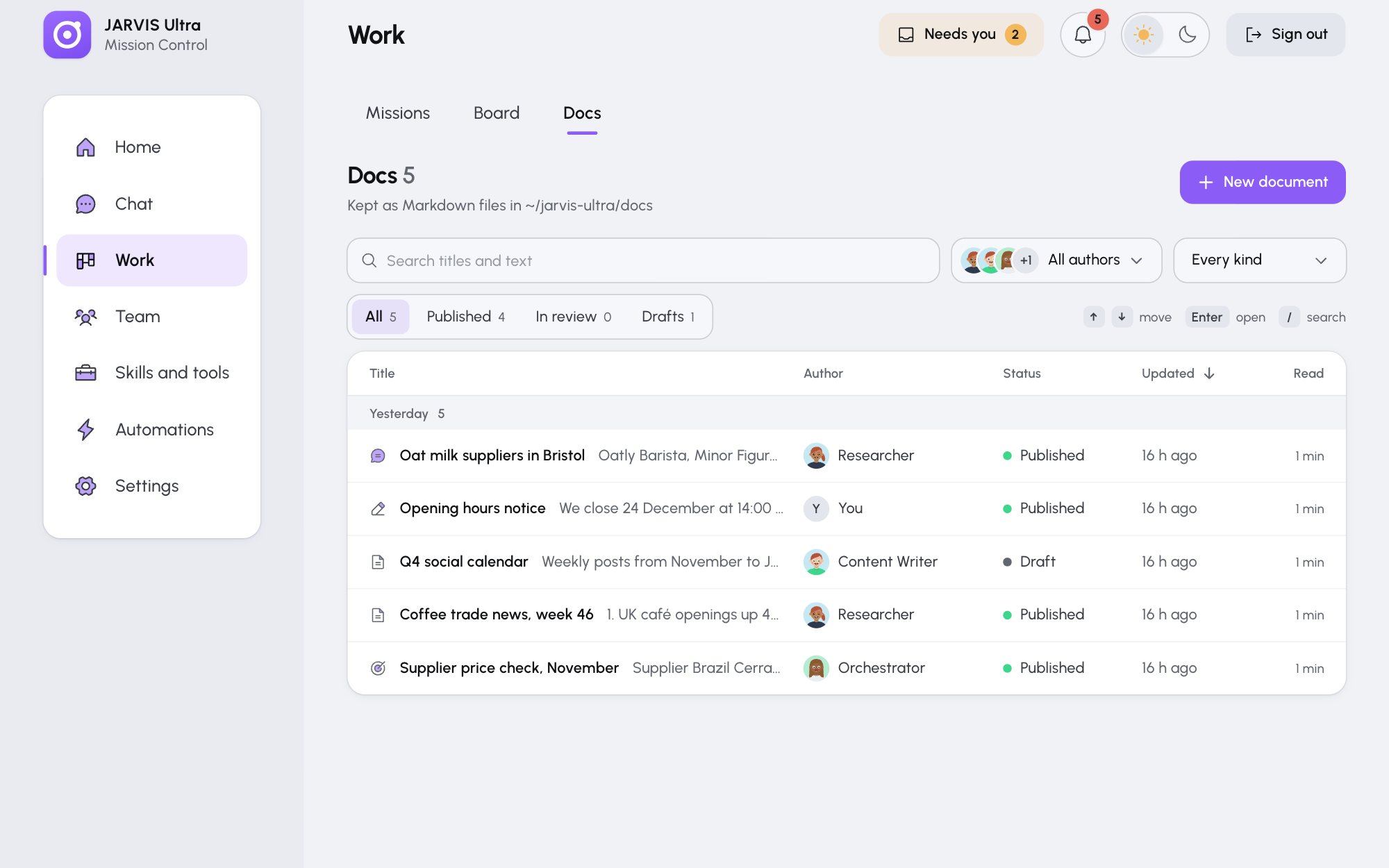
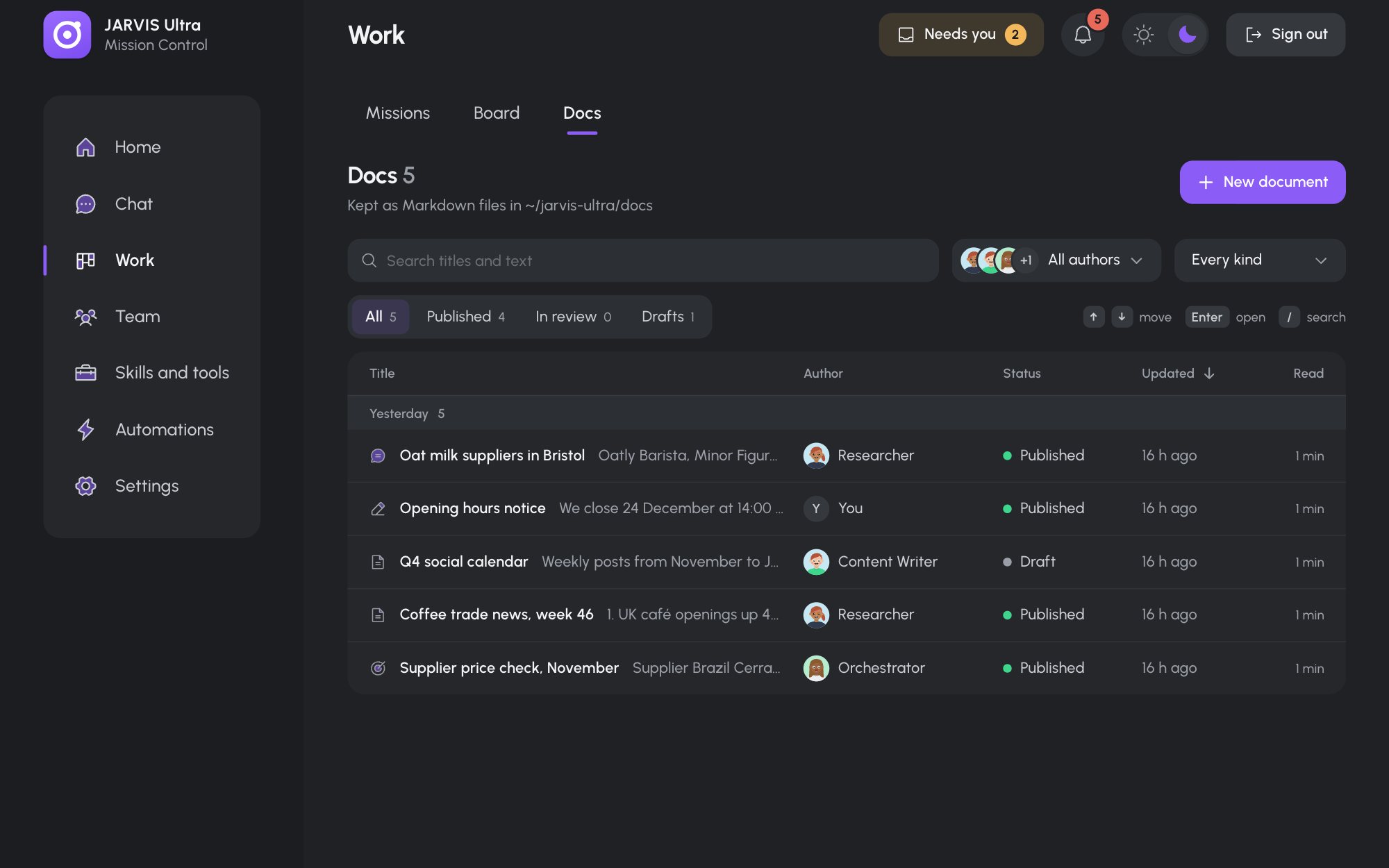
Work > Docs is the library of everything written for you: mission results, documents agents file, chat replies they keep, and notes you write yourself. Each document is a Markdown file in your JARVIS Ultra folder, under docs/<author>/.
Find a document
- Search titles and text: titles and previews match as you type; the full text of every document is searched after a short pause. Press / anywhere on the tab to jump to the search.
- All authors opens a list of authors with their document counts. Pick one to see only theirs; the × goes back to everyone.
- Every kind narrows to Mission result, Agent document, Chat reply or Written by you.
- All, Published, In review and Drafts filter by status, each with its count.
While anything filters, the line "Showing N of M · Clear filters" says how much is hidden. Click Title to sort A to Z, or Updated for newest first. With the keyboard, ↑ and ↓ move between rows and Enter opens one.
Read, download or print
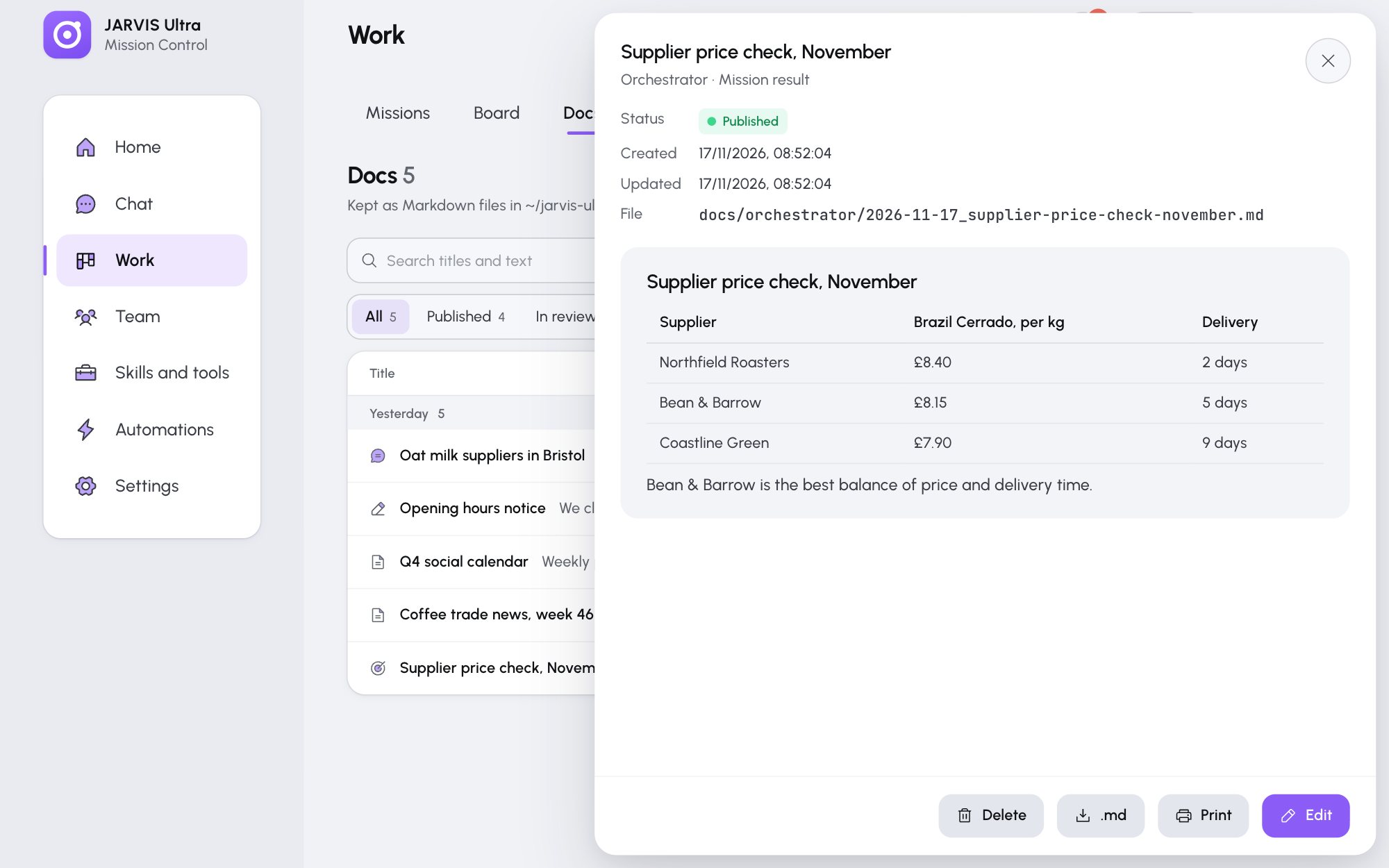
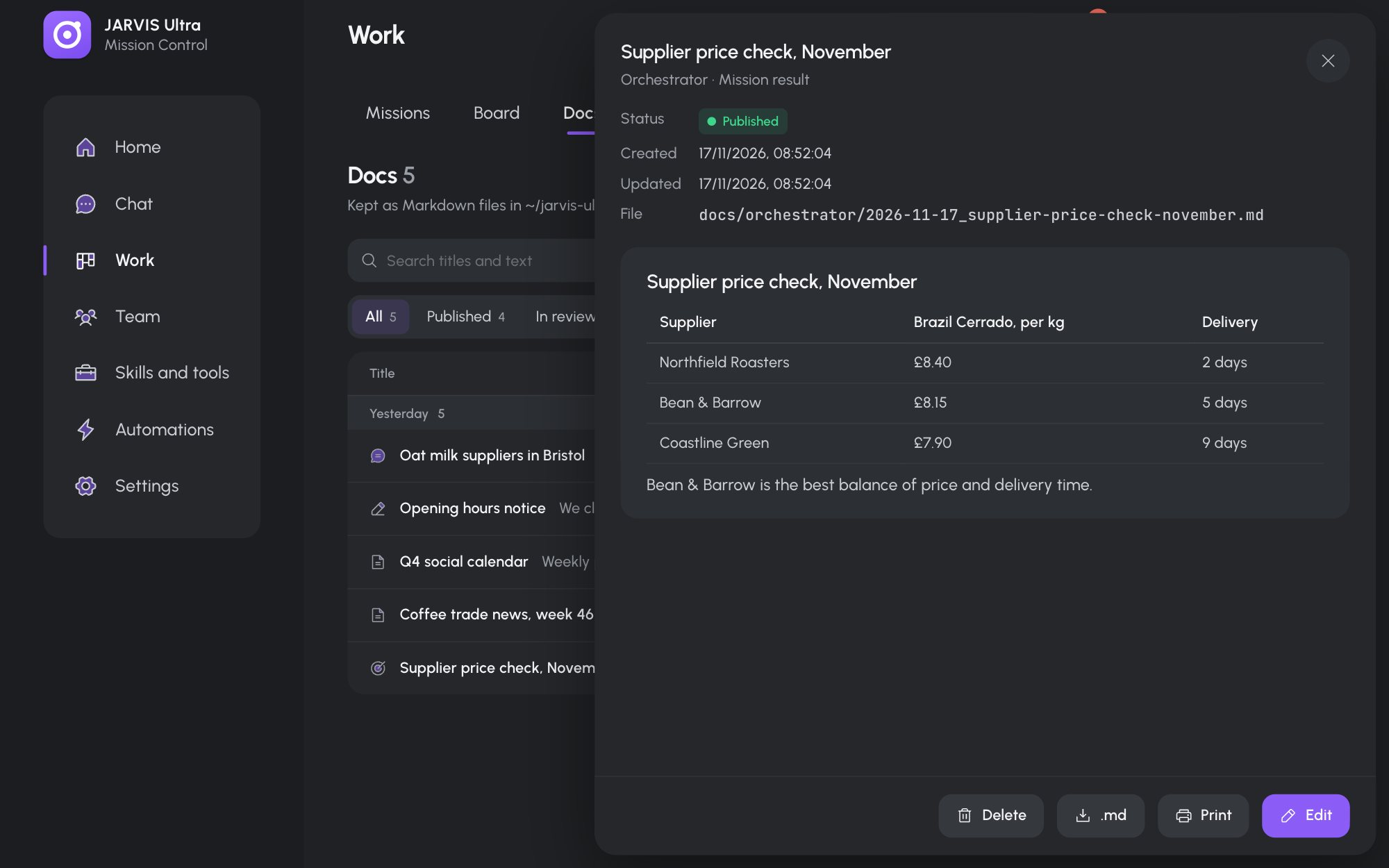
Click a row to open the document. The drawer shows its status, dates, the mission it came from and its file path. .md downloads it, and Print opens it for printing (allow pop-ups for the dashboard if your browser blocks the window).
Write or edit a document
- Press New document (or Edit on an open one).
- Fill in Title, pick a Status (Draft, In review or Published) and write the Body in Markdown, up to 300 KB.
- Press Save.
Your documents are saved under docs/you/.
Delete a document
Open it, press Delete, then Move to deleted. The file moves to data/docs-deleted/, where you can get it back by hand.