Get started
A tour of the dashboard
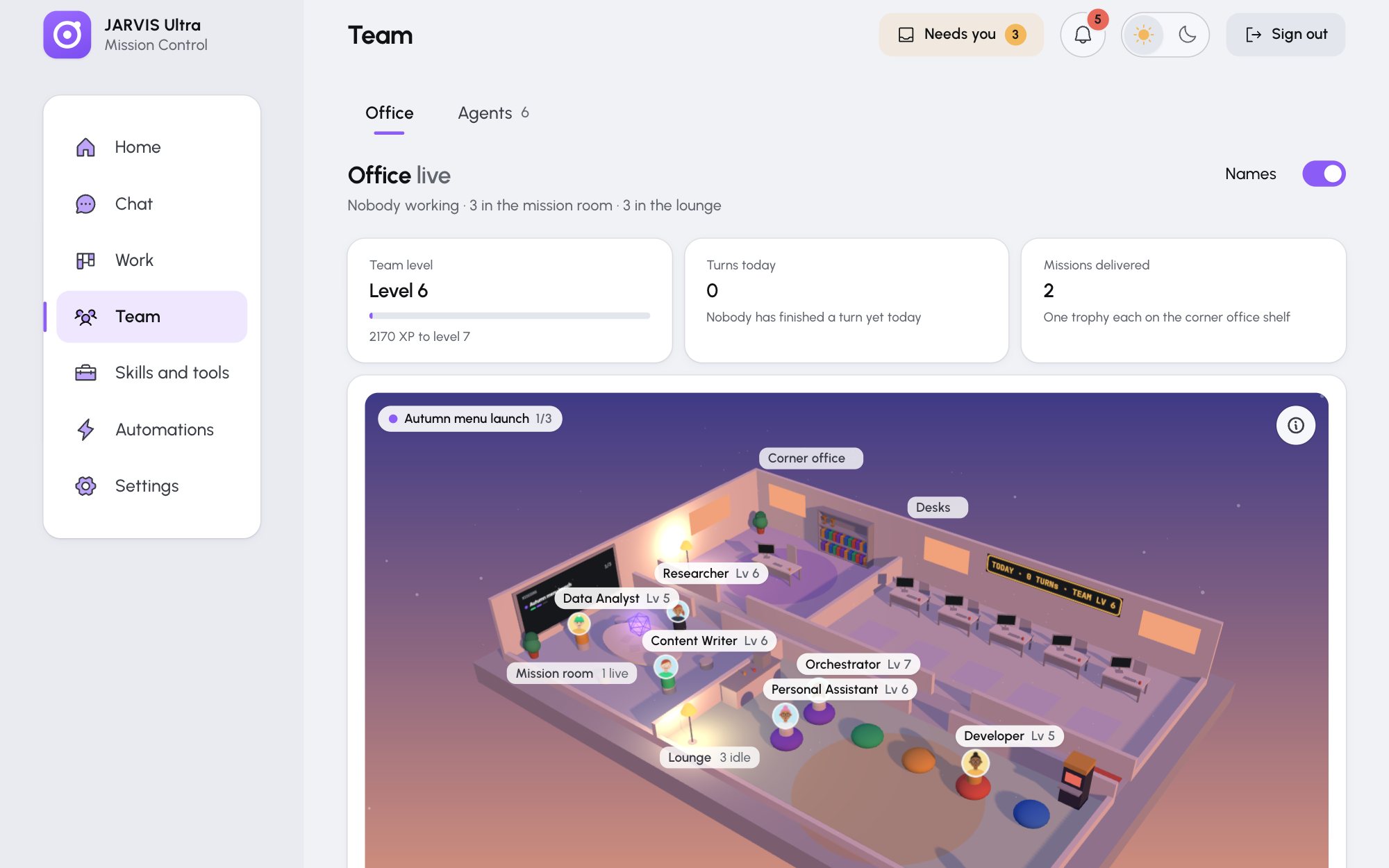
The sidebar has seven pages. On a phone they sit in a bar along the bottom, where Skills and tools reads Skills and Automations reads Auto.
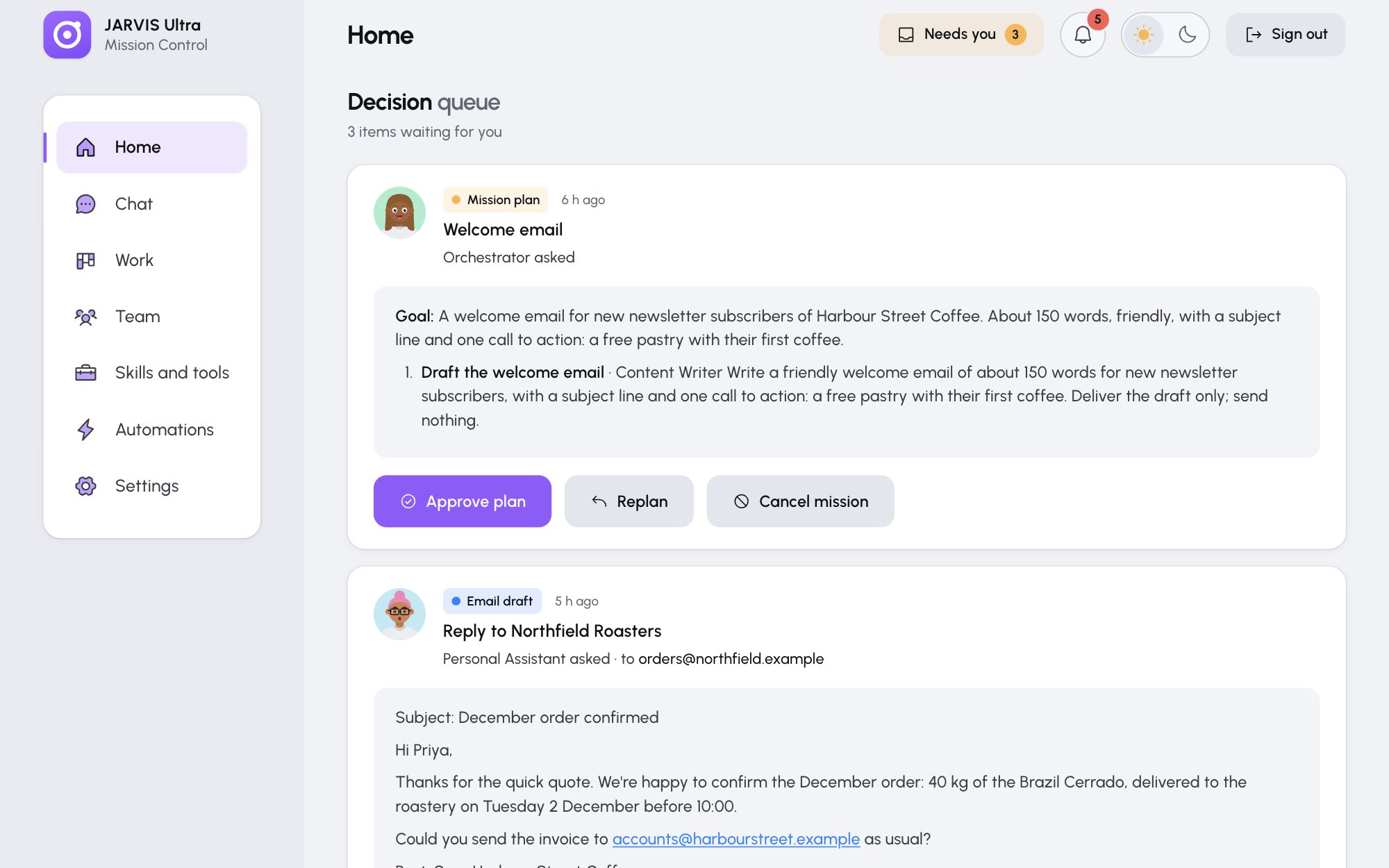
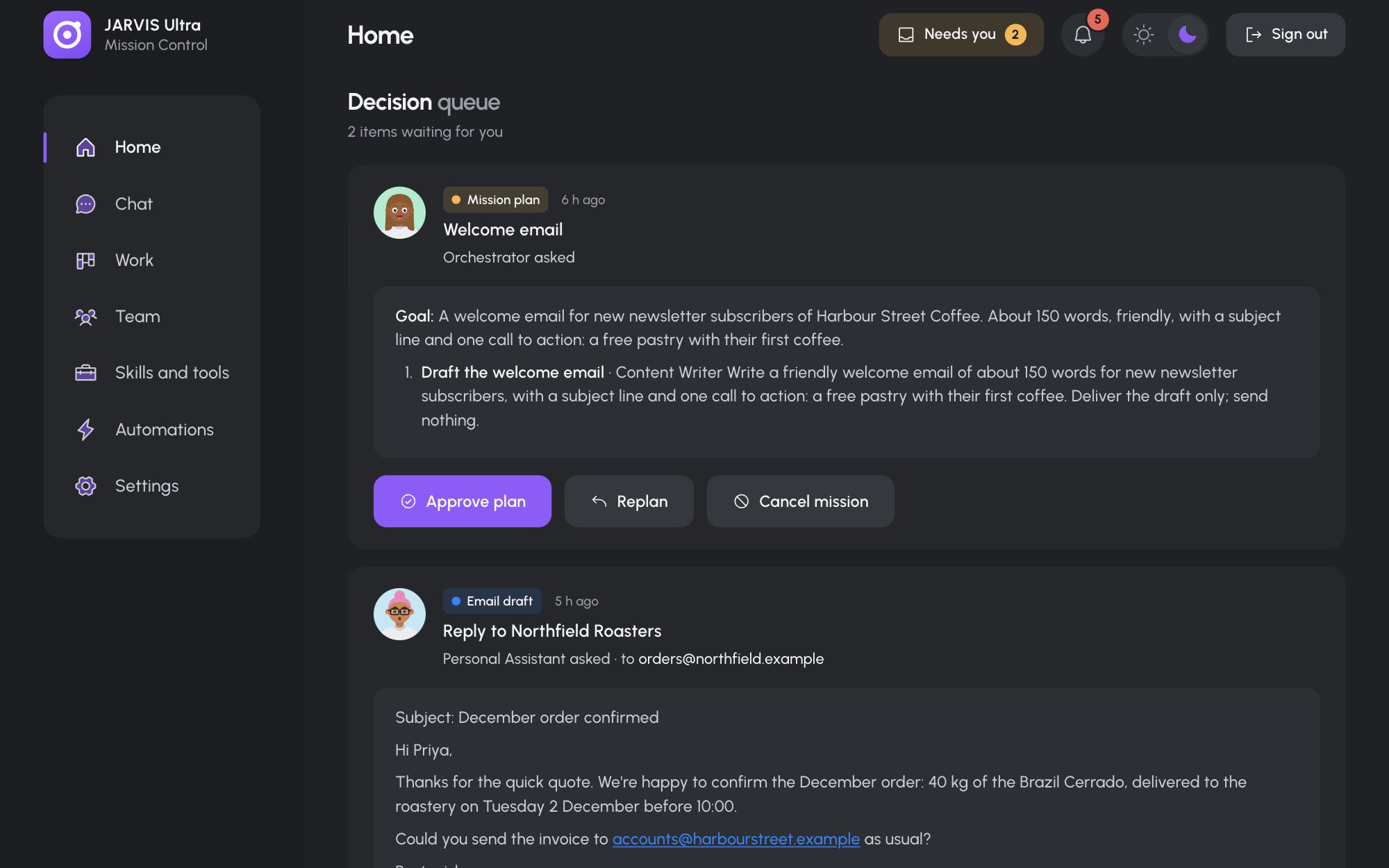
The top bar
- Needs you counts the items waiting for your decision and takes you to them. It is hidden when nothing waits.
- The bell lists the newest events: agent errors, finished missions, scheduled runs, backups. Clear all empties it, and "Choose which kinds ring the bell" opens Settings > Notifications.
- Help (the question mark) opens this manual in a new tab.
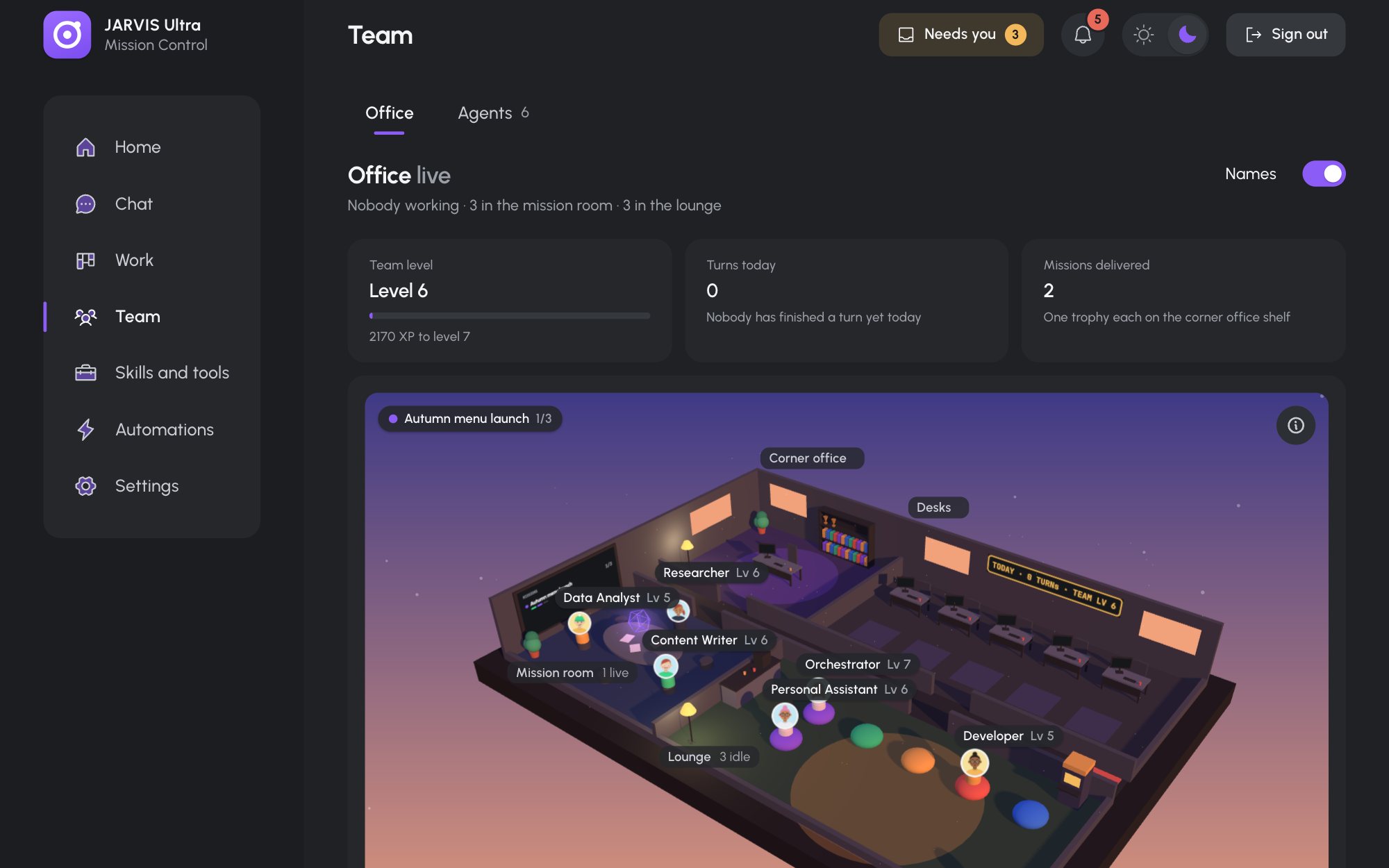
- The theme button shows the theme you are in (a sun for light, a moon for dark); press it to switch to the other.
- Sign out (the door with an arrow) ends your session on this browser.
When the connection to the server drops, a "Reconnecting to JARVIS…" banner shows until it is back. Pages keep what they last showed.
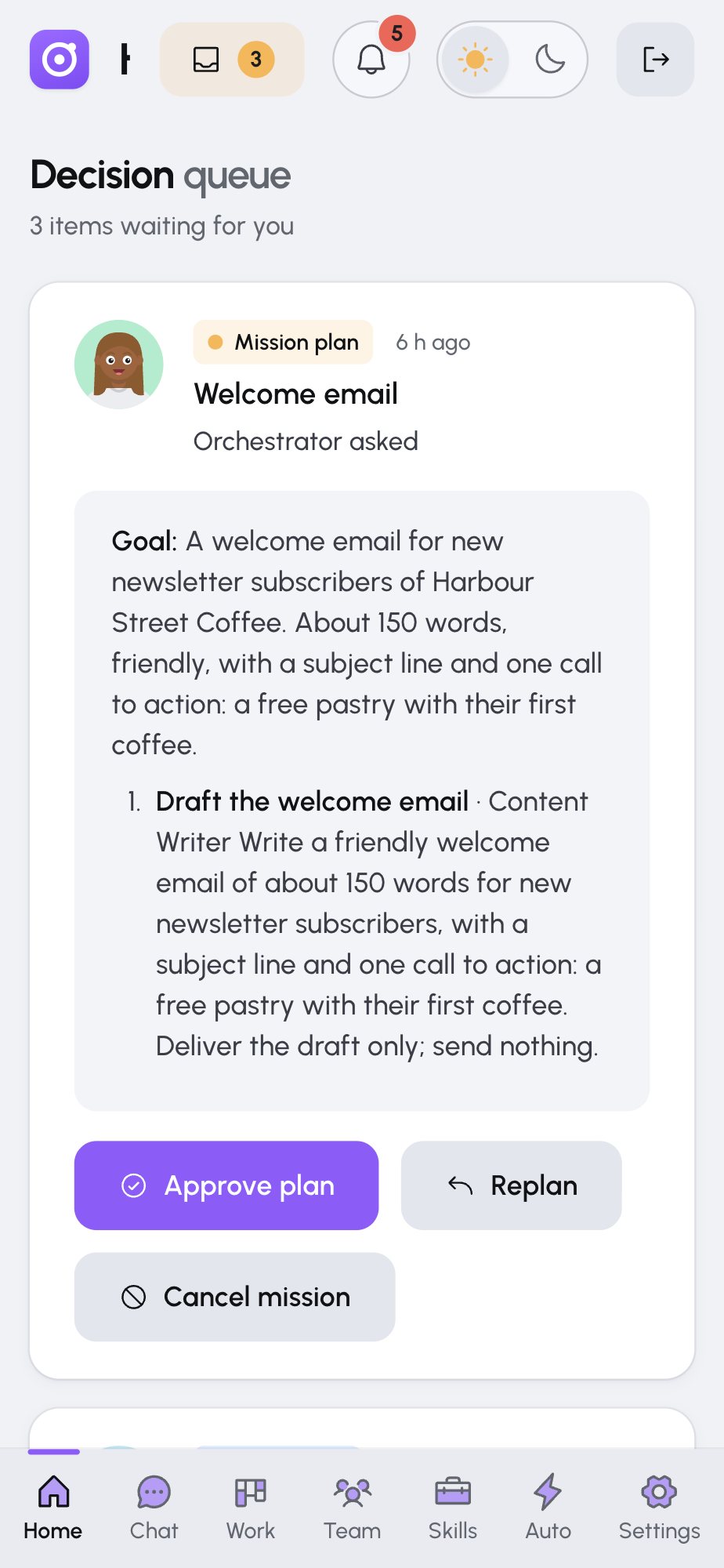
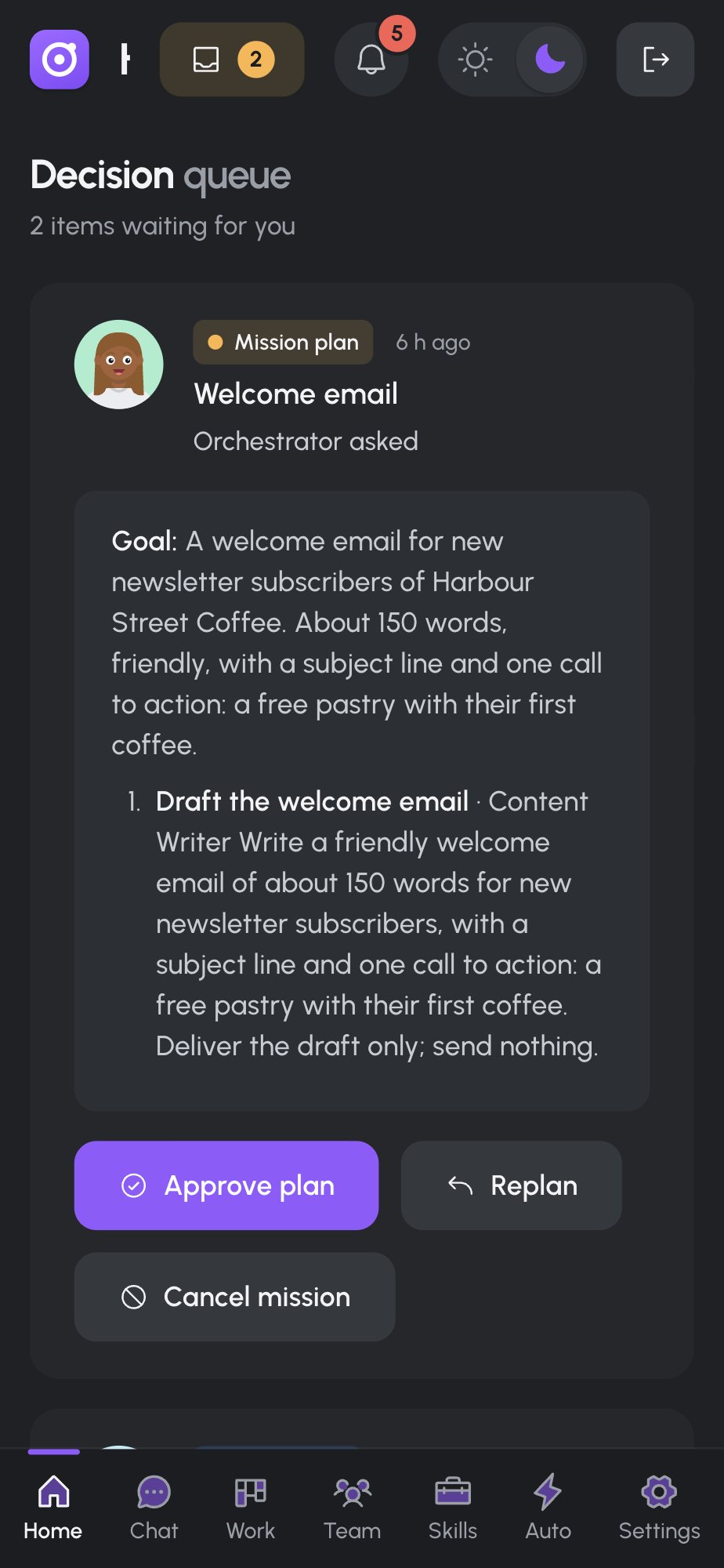
The pages
| Page | What it is for |
|---|---|
| Home | What needs you now. The Decision queue holds every plan, draft and result waiting for your answer. Under it: Running now (missions under way), Up next (the next scheduled runs), Team activity (a heat map of each agent's turns) and Decision history (every answer you gave). |
| Chat | Conversations with one agent or with the Whole team. Attach files, stop an answer, talk instead of typing, and approve drafts right in the conversation. |
| Work | What the team produces, in three tabs. Missions: goals the Orchestrator plans and the team carries out. Board: tasks in four columns, To do to Done. Docs: every document, from mission results to notes you write. |
| Team | Office shows where each agent is and what it is doing, with a team level and trophies. Agents is the roster: hire, rename, pause, retire. Click any agent to open its drawer: its files, model, skills and tools, and usage. |
| Skills and tools | What the agents can do. Skills: Hermes' skills and the ones you write. Apps: Gmail, Slack and other apps through Composio. MCP servers: tools from other services. Built-in tools: which tools each agent loads. |
| Automations | Work that runs on its own. Calendar shows past and planned runs. Schedules holds recurring jobs. Rules holds triggers such as "when an email arrives from my supplier". Run history sits under every tab. |
| Settings | General (look, time zone, your brief), Models (providers and models), Integrations (the Composio key), Notifications, Voice, Remote access, Usage and Backups. |
Things that work the same everywhere
- Details open in a drawer on the right, so the list stays in view. Escape or Close shuts it.
- A face is a link: click an agent's face in a chat, a card or a mission step to open that agent on Team.
- Most lists have a search box and filter chips. A filtered list says how much it hides and offers Clear filters.
- The address bar keeps the tab and the open item, so you can bookmark or share a link to a mission, a conversation or a skill. See Keyboard shortcuts and links.
- Confirmations show briefly at the bottom. You can switch them off in Settings > General (Confirmation toasts); errors always show.
Next
Where things live on disk, or straight to the Quick tutorial.