How-to guides
Hire, rename, pause and retire agents
Your team starts with the Orchestrator and five specialists. Hire more when you need another skill, pause an agent to keep it out of work for a while, and retire one you no longer need. All of this is on Team > Agents.
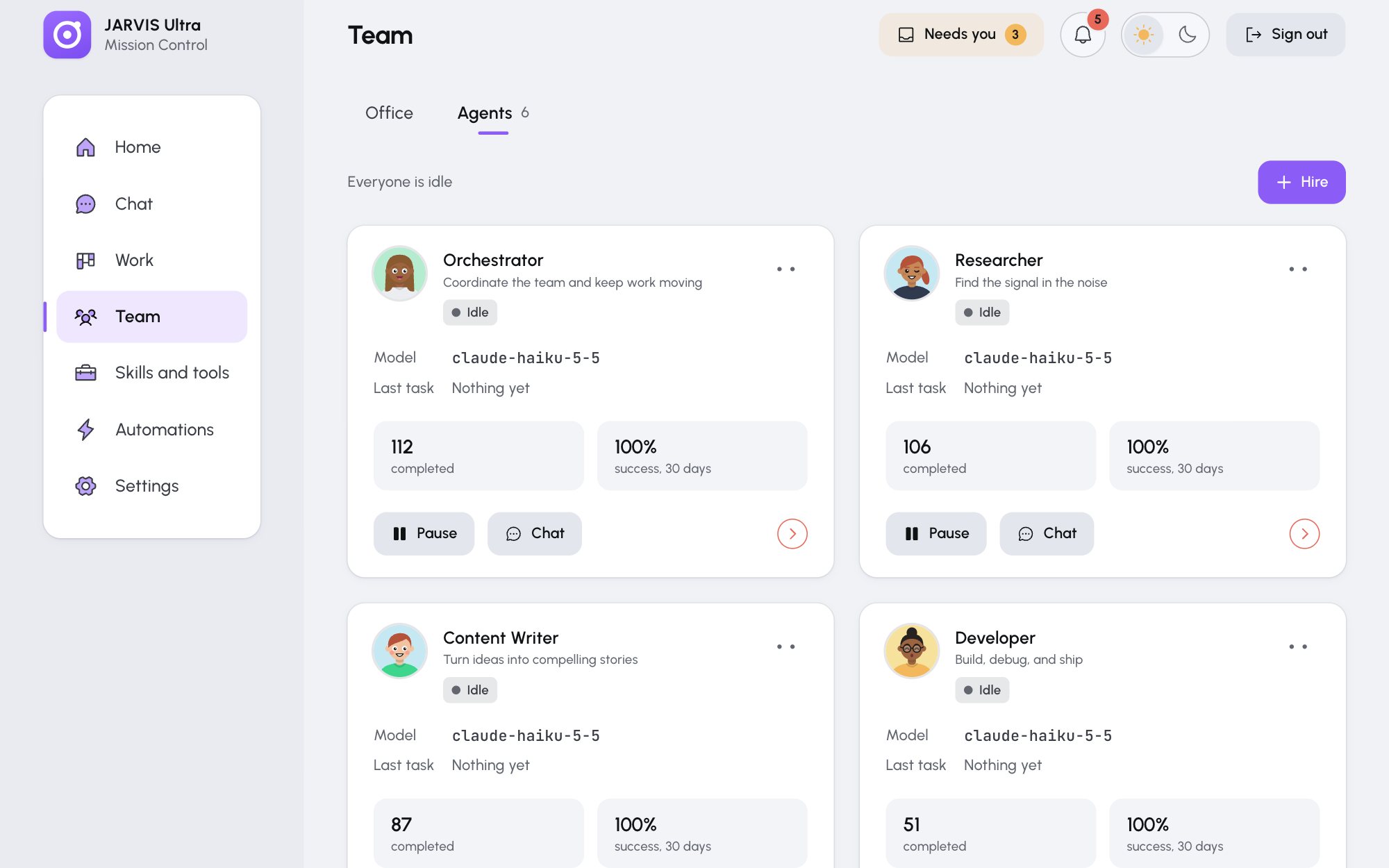
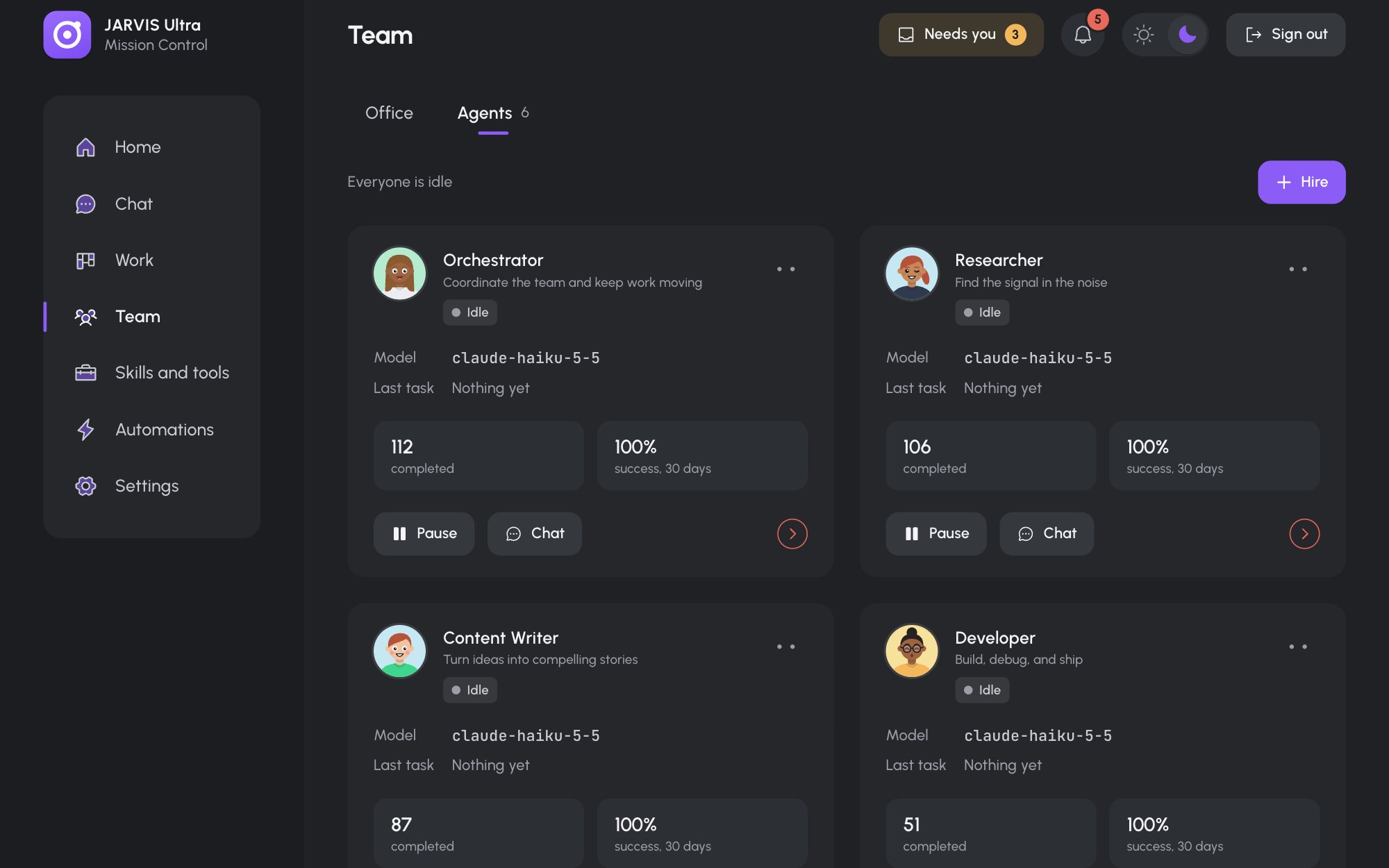
Hire an agent
-
Open Team, choose the Agents tab and press Hire.
-
Pick a starting point:
- Ready-made lists roles by area: for example Sales, Customer Support, Bookkeeper, SEO Specialist, Social Media Manager, Translator and Project Manager. A role already on the team says On the team.
- Custom specialist starts from an empty form.
-
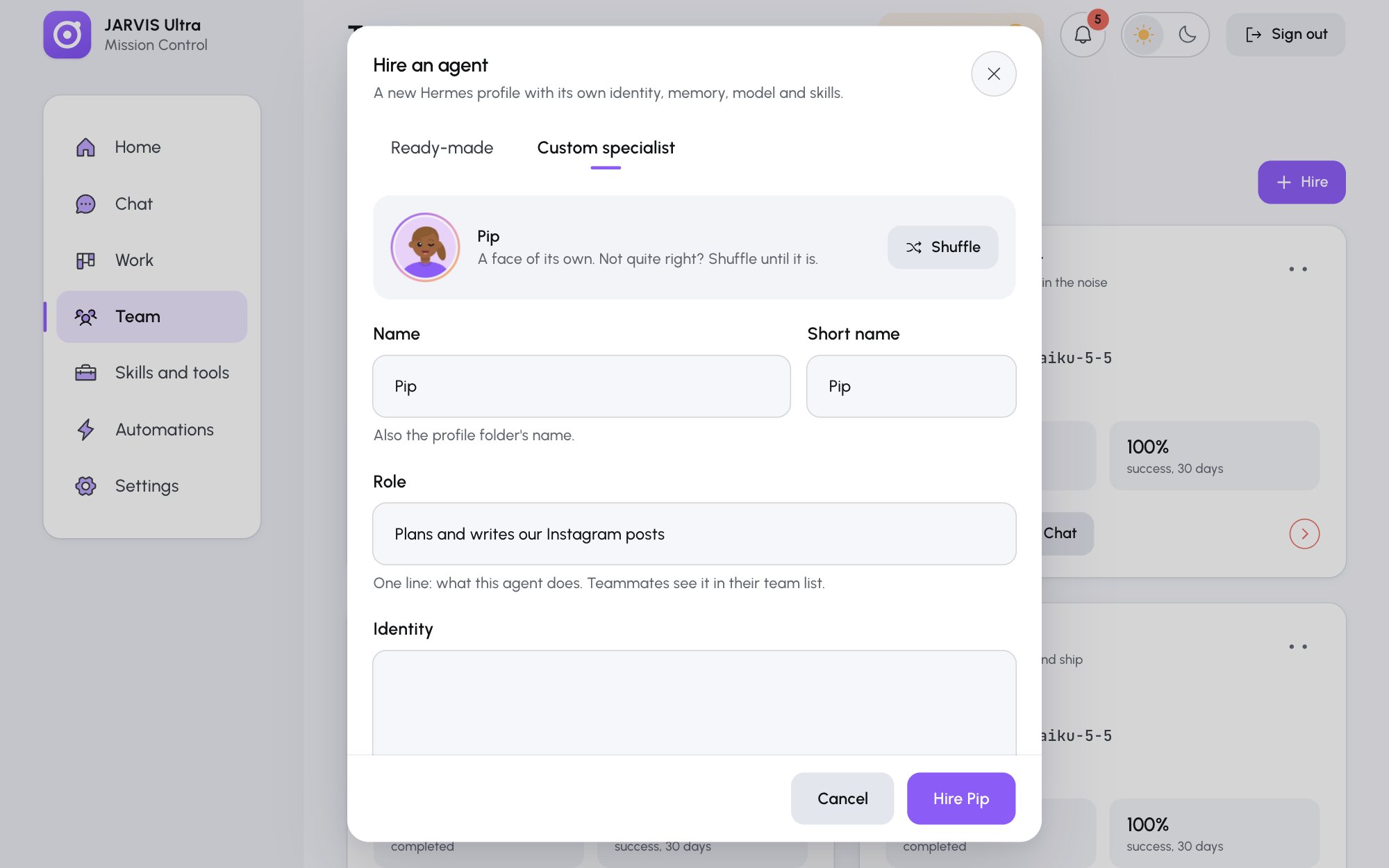
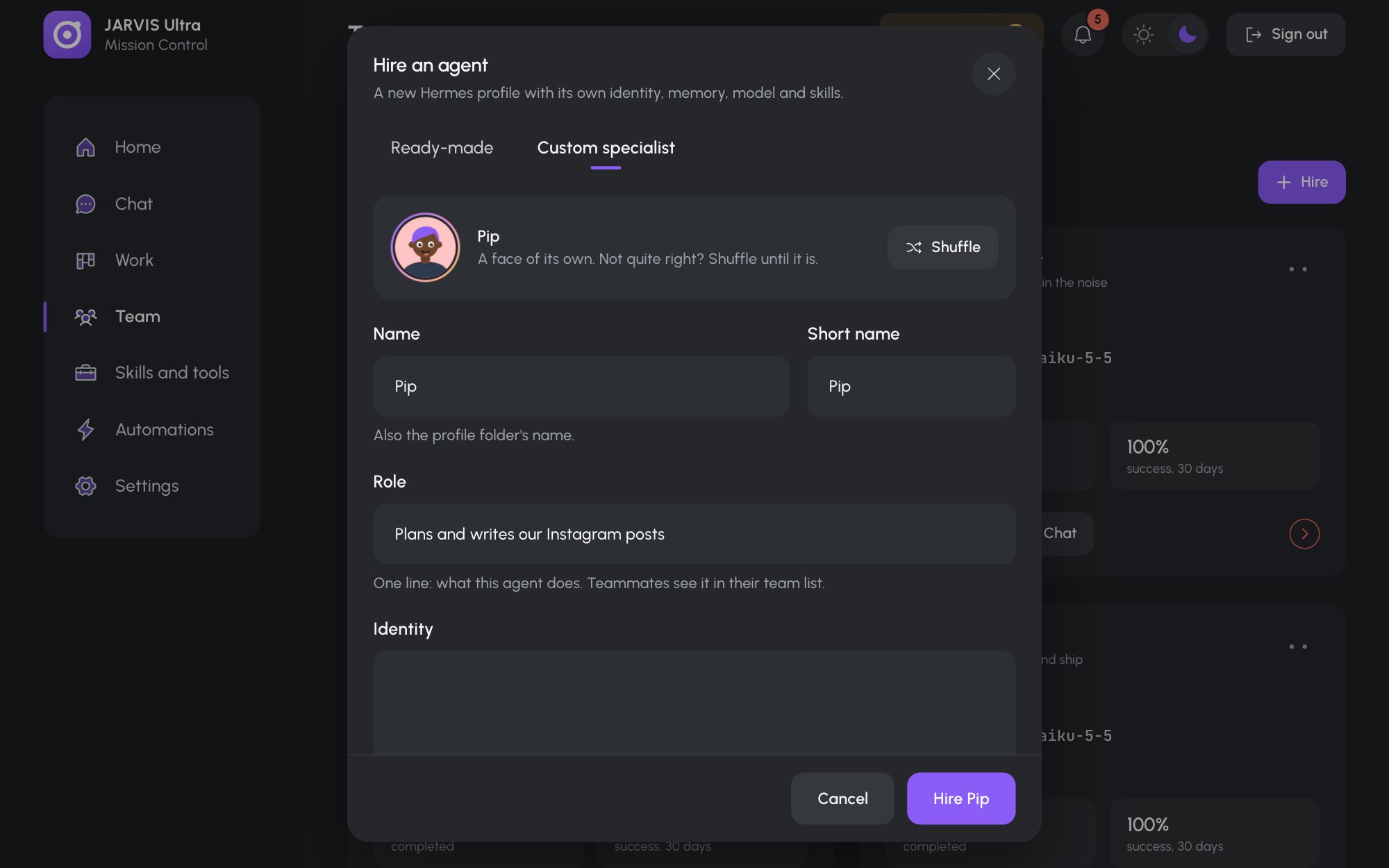
Check or fill in the form:
Field What it is Face Shuffle until you like it Name Required, up to 40 characters, for example Pip. Also the name of the agent's profile folder.Short name Used where space is tight Role One line that teammates see, for example Plans and writes our Instagram postsIdentity Who the agent is, in its own words. Leave it empty to build one from the role and directions. Directions Anything else it should know, for example Post ideas go to the owner for approval first.Model and Effort Start on the Orchestrator's. Change them here or later. -
Press Hire Name. The progress shows Creating profile, Saving identity, Ready. It takes a few seconds, at most two minutes, and spends no credits. Press Done.
If a step fails, everything is undone and the message names the step; Back to the form lets you try again. A new agent has your brief, your provider keys and the team list. It has none of your own skills until you give it some (Make and publish a skill).
You can also ask in chat: tell the Orchestrator Hire a translator called Lena who works in Spanish and French. and it hires through the same steps.
Rename an agent
On the agent's card, open More for Name > Rename, type the New name and press Rename. The profile folder keeps its old name. The agent's next turn starts a fresh session so it learns its new name.
Pause and resume
Pause on an agent's card takes it out of work: it answers no chat, takes no mission step and runs no scheduled job or rule until you press Resume. In the Office it sleeps on its beanbag, in grey.
Retire an agent
- On the agent's card, open More for Name > Retire.
- Type the agent's name to confirm and press Retire Name.
Its profile folder moves to profiles-archived/ in Hermes' home, and its conversations are hidden. You cannot retire the Orchestrator, and you cannot retire an agent in the middle of a turn: wait until it finishes.
Bring an agent back
Open Archived at the bottom of Team > Agents and press Restore on the agent. Its folder moves back, it gets your current keys and skills again, and its conversations reappear.
Open an agent's drawer
Click an agent's card (or its face anywhere in the dashboard) to open its drawer:
| Tab | What it holds |
|---|---|
| Overview | Profile folder, model, last task, turns completed and success over 30 days, recent turns. New look gives it another face. |
| Profile | Its identity and memory files: Edit an agent's identity and memory |
| Model | Its model, effort and fallback: Choose each agent's model |
| Skills and tools | What it can use, each with Manage to change it on Skills and tools |
| Usage | Tokens, cost and turns over the last 7 days, day by day |