How-to guides
Change the look and preferences
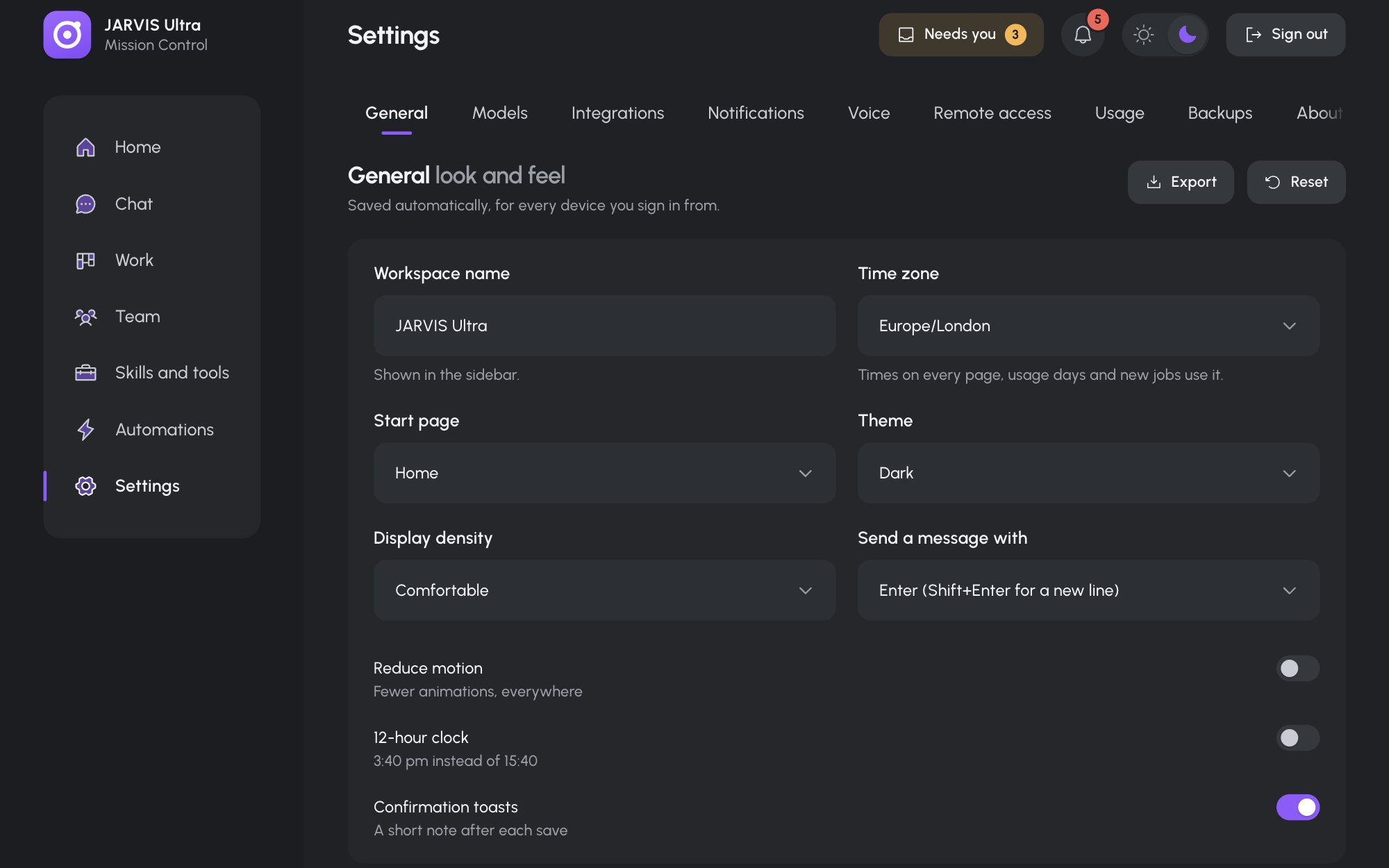
Your preferences are in Settings > General, card General look and feel. They save as you change them and apply on every device you sign in from.
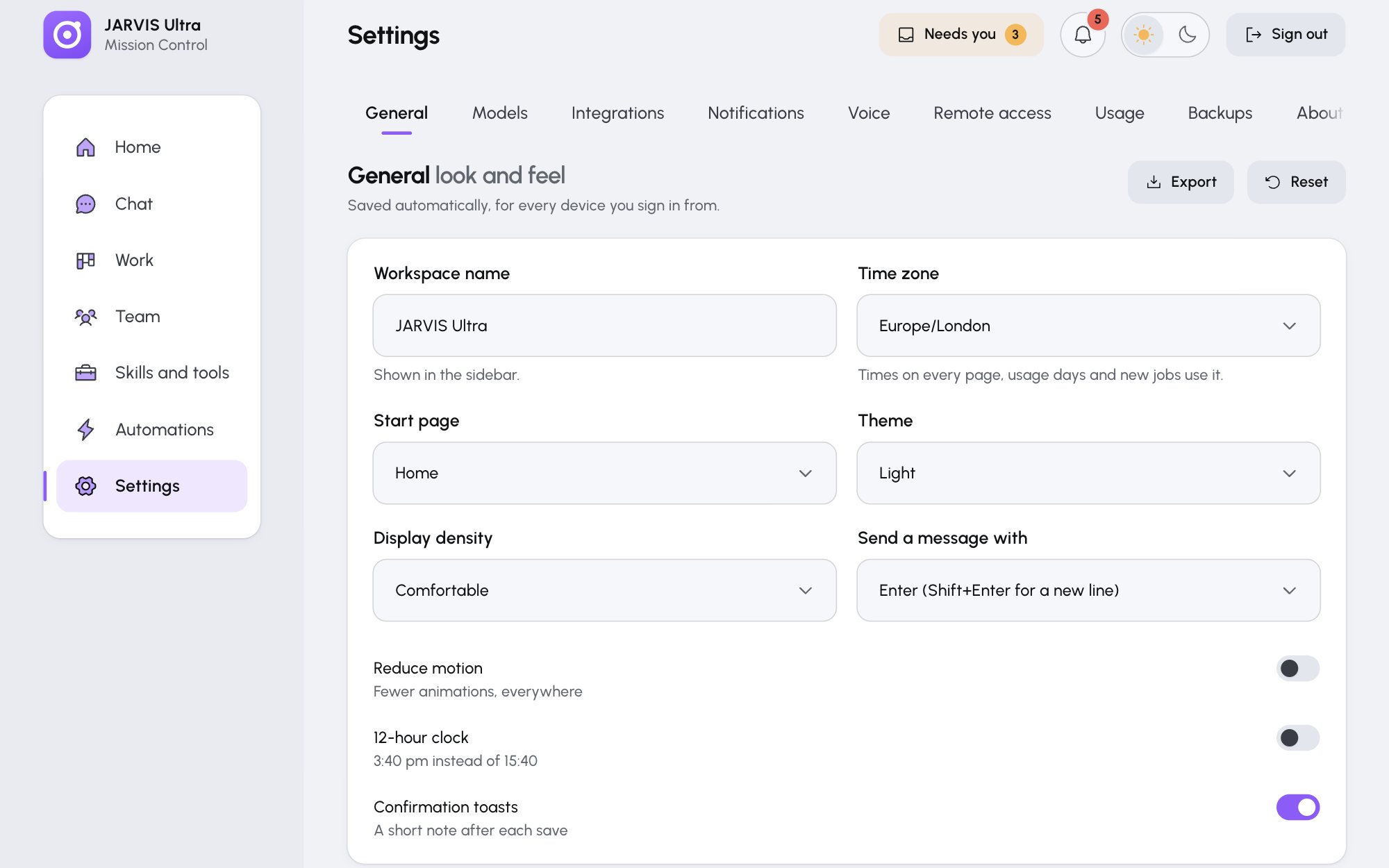
| Setting | What it does |
|---|---|
| Workspace name | The name in the sidebar |
| Time zone | Times on every page, the days in Usage, the Office's daylight, and new jobs. Always a real zone, for example Europe/London. |
| Start page | The page the dashboard opens on: Home, Chat, Work, Team, Skills and tools, Automations or Settings |
| Theme | Dark or Light |
| Display density | Comfortable or Compact |
| Send a message with | Enter (Shift+Enter for a new line) or Cmd or Ctrl + Enter |
| Reduce motion | Fewer animations everywhere, including the Office |
| 12-hour clock | "3:40 pm instead of 15:40" |
| Confirmation toasts | A short note after each save. Errors always show. |
Export downloads your preferences as jarvis-preferences.json. Reset puts every preference back to its default but keeps your time zone.
The theme button in the top bar switches the theme on this browser only, and the Theme saved here wins the next time the page loads your settings. To make a theme stick, set it here.
The card under it, Owner, holds your brief: Tell the team about you.