Owner's manual
Run your AI team from your own computer
JARVIS Ultra is a private dashboard for running your own team of AI agents on your own computer. This manual covers installing it, everyday use, and fixing things when they go wrong.
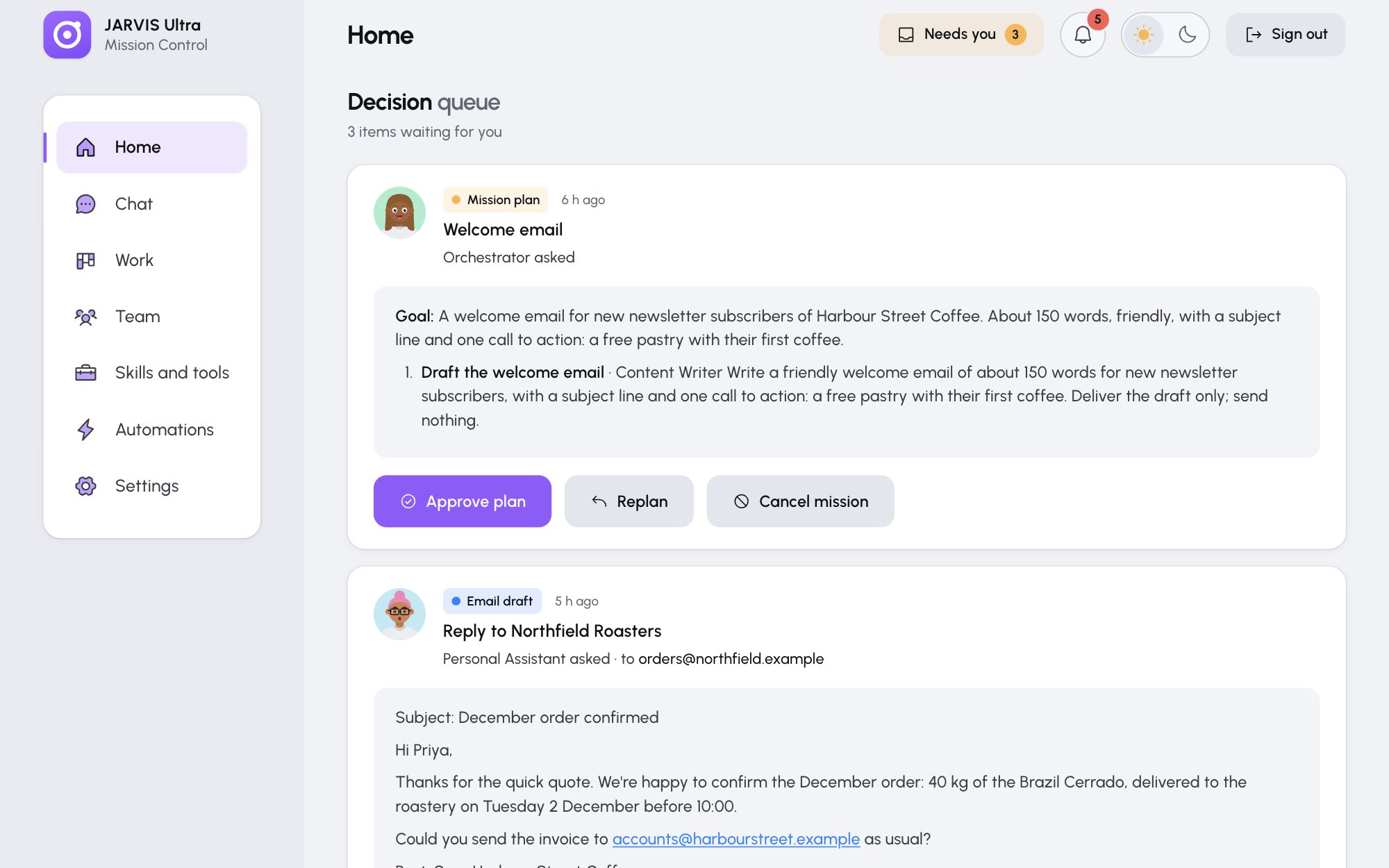
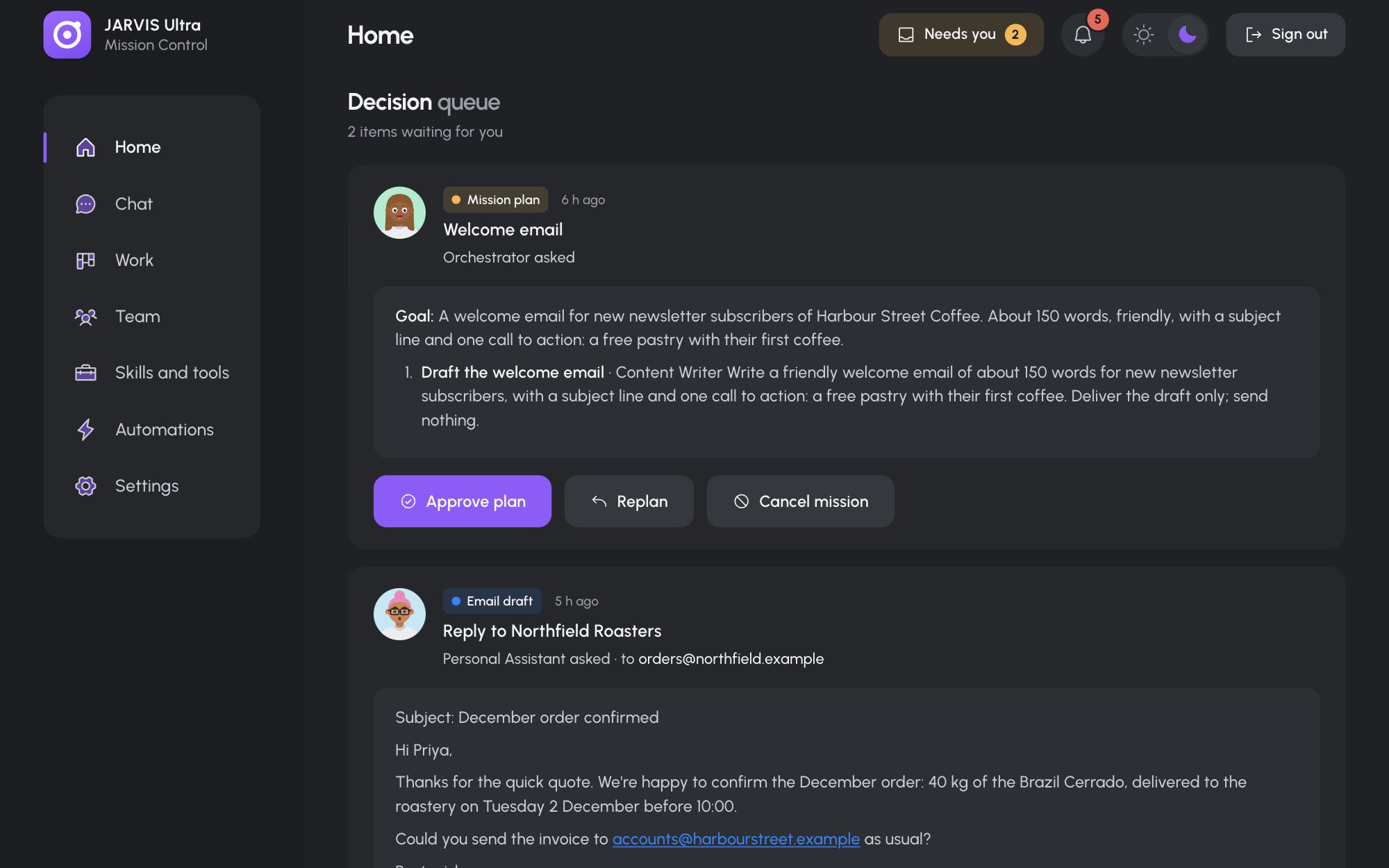
New here? Read these in order
- 1What JARVIS Ultra isWhat it does, what you need
- 2Install itmacOS, Linux or Windows
- 3First sign-inPassword, provider, your brief
- 4Quick tutorialAbout 30 minutes, one of everything
How the pieces fit
Already set up? Go by what you want to do
How-to guides24 pages
One task per page: run a mission, hire an agent, connect an app, back up
- Chat with an agent or the team
- Decide what the team asks
- Run a mission
Concepts7 pages
How it works: agents, missions and approvals, the tools lock, skills, models
- Agents, the team and conversations
- Missions and approvals
- The tools lock
Reference7 pages
Every setting, command, file, port, limit and term
- Settings
- Commands and scripts
- Files and folders
Troubleshooting3 pages
What a message means and what to do about it
- Install and service problems
- When an agent does not answer
- Other messages, page by page